
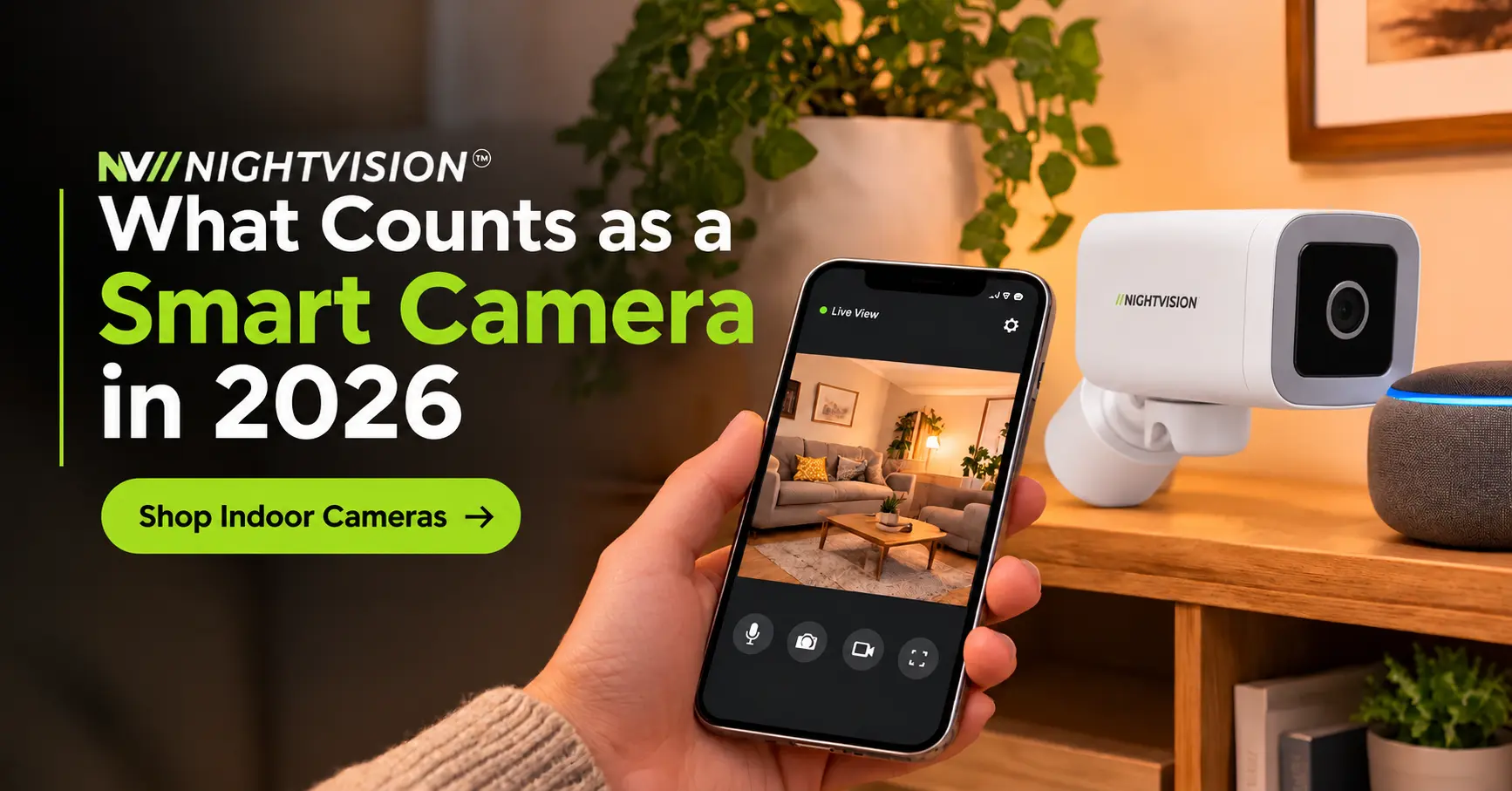
What Counts as a Smart Home Security Camera in 2026
Wikipedia describes a smart home ashome automation devices that have internet access. By that test, plenty of cameras on the shelf this Christmas qualify, and plenty of others only borrow the word.
A smart home security camera should do more than send a picture to your phone. This guide explains what counts, which features are genuine and which are marketing, and what to check before you buy in 2026.
It also covers the voice control camera Australia households ask about, the wifi smart camera explained in plain terms, and how a smart cctv camera differs from a traditional system. NV NightVision security cameras appear near the end, matched to the jobs they suit.
Summary box: the short version
|
A Smart Home Security Camera Passes Four Simple Tests
Marketing uses the word smart loosely. A cheap Wi-Fi camera and a well-supported one can both carry the label, yet they behave very differently after a year.
Here are four tests worth applying. A camera that passes all four has earned the name.
- Connected: it joins your home network and works through an app.
- Controllable: you can view and adjust it from your phone.
- Responsive: it reacts to events on its own, such as sending an alert when it sees a person.
- Maintained: the maker keeps fixing faults and says how long it will support the camera.
The fourth test is the one buyers skip. A camera that stops receiving updates stays on your network long after it stops being useful.
How a Smart CCTV Camera Differs From a Traditional System
A traditional system runs cables from each camera to a recorder, and you watch the picture on a monitor at home. A smart cctv camera skips most of that. It joins your Wi-Fi, records to a card or a cloud service and sends the picture to an app.
Neither approach is wrong. Cables still win in a thick-walled house or on a long run to a shed, and ourwired vs wireless comparison sets out the trade-offs.
Why Plug-In Setup Counts as a Smart Feature
The best smart cctv camera options need no wiring. You plug one in, connect it to Wi-Fi and get on with your day. Ourplug and play camera guide explains how simple setup works.
If you’d rather handle the whole install yourself, our guide todo-it-yourself security cameras covers what’s involved.
Wifi Smart Camera Explained Without the Jargon
Wi-Fi is the link between the camera and your router. It carries the live picture to your phone, and it carries the alert when something moves in front of the lens. That’s the wifi smart camera explained in one line: a link and not a feature.
The NV NightVision listings we read give the wireless standard as IEEE 802.11 b/g/n. Check the Wi-Fi details on any listing before you buy, because a camera that can’t join your network isn’t smart, however good its marketing is.
Check the Signal at the Mounting Spot
Look at the signal bars on your phone at the exact spot where the camera will sit. If your phone struggles there, the camera will too.
Move the router or add a mesh node before you drill anything. A strong signal fixes more missed alerts than a new camera does.
Where the Footage Is Kept Changes What Smart Means
Some cameras record to a memory card inside the camera. Others send clips to a cloud service, and some do both. A card keeps footage at home, and cloud storage keeps clips safe if the camera is stolen.
Read what a camera stores and for how long. If your property has no home internet at all, our4G security camera guide explains when mobile data makes sense.
Voice Control on a Camera Does Less Than the Box Suggests
Alexa and Google Assistant support appears on a lot of boxes, which is why a voice control camera Australia buyers choose deserves a closer look. The NV NightVision listings for the T5P, G11, V6Z, F7 and Y1 all state it.
What a voice assistant can do with a camera varies by camera and by assistant. For a voice control camera Australia homes can rely on, check the exact commands the maker lists, and test them once before you build a routine around them.
Treat voice as a convenience and not a security feature. The same Wikipedia page notes that home automation suffers from platform fragmentation and a lack of technical standards, which is why two compatible products can behave differently.
Connect Your Camera to More Than One Screen
A voice control camera Australia families share is more useful when the whole household can see it. Our guide on how toconnect CCTV to different devices covers phones and computers.
Smart Detection and Automation Separate Smart From Merely Connected
Automation is where a smart cctv camera acts without you. It spots something and responds, all while you’re asleep or at work.
Basic motion detection reports every passing car and moth. Human body detection filters most of that, so an alert usually means a person is in frame. The NV NightVision listings state human body detection and motion tracking.
A Siren and Two-Way Audio Turn Alerts Into Actions
An alert you can’t act on is only a notification. A built-in siren makes noise on its own, and ourbuilt-in siren camera guide explains how the feature works.
Two-way audio lets you speak through the camera. Our guide to thebest security camera with two-way audio covers what to look for in sound quality.
Pan and Tilt Let One Camera Cover More
A pan-tilt camera can sweep a wide yard or follow a person across a room. One unit can replace two fixed ones in the right spot. Ourpan tilt zoom camera guide explains when that’s worth it.
Resolution Matters Less Than the Features Around It
Plenty of smart cameras use 4MP, which gives a clear picture at most front doors. A larger number on the box doesn’t fix a dark porch or a weak signal. Ourbest 4MP security camera guide explains what the extra detail buys you.
Security Standards and Weather Ratings Count as Smart Features Too
Australia Now Has Security Rules for Smart Devices
According to the Federal Register of Legislation, the Cyber Security (Security Standards for Smart Devices) Rules 2025 includesecurity standards for smart devices covering passwords, reports of security issues, and defined support periods and security updates.
We’re not lawyers, and this guide isn’t legal advice. Read the Rules to see which products they cover, and ask the seller how a camera meets them.
The NV NightVision product pages we read don’t state a support period. Ask before you buy, and change the default password on day one whatever the answer is.
An IP Rating Tells You How a Camera Handles Dust and Water
IP ratings come from theIEC 60529 standard, titled Degrees of protection provided by enclosures (IP Code). A listing for an outdoor camera should state the rating, and a vague line about being weatherproof isn’t the same thing.
The NV NightVision listings we read give an operating range of minus 20 to 50 degrees Celsius, but we didn’t find an IP rating on those pages. Ask before you mount a camera where driving rain hits it.
Privacy Rules Apply to a Smart Camera Like Any Other
A smart camera sits on your network and records people, so privacy matters more and not less. Keep lenses on your own property, and keep them out of bedrooms and bathrooms.
Audio is regulated more tightly than video, and the rules differ by state. If you’re unsure, ask your state’s Attorney-General’s department before you switch on recording.
A privacy mode stops the camera viewing when you’re home. Several NV NightVision listings state one, so find it in the app and learn how it works.
A Short Checklist Separates Smart Cameras From Marketing Labels
Take this table to any listing. A camera that can answer most rows is a smart home security camera, and one that can’t is a Wi-Fi camera with a smart label.
| What to check | What a good answer looks like |
| App control | Live view and settings work from your phone on mobile data, not only at home |
| Alerts | Human detection is listed, with adjustable detection zones |
| Voice assistants | The listing names the assistants it supports |
| Storage | The listing names the method, the largest card size and whether a card is included |
| Updates | A published support period and a way to report security issues |
| Weather | An IP rating and an operating range for outdoor use |
| Privacy | A privacy mode and clear audio settings |
| Setup | Plug-in power and guided setup in the app |
Our guide on how topick the best security cameras in Australia goes deeper on each row.
NV NightVision Security Cameras That Pass the Smart Test
NV NightVision security cameras are Designed in Australia, and the range covers the main jobs a smart home security camera does. We haven’t listed prices here because offers change, so check each product page for the current figure.
Browse thewireless security cameras to see every current model.
NV T5P (SKU NV-T5P). TheT5P-Ratri Bullet Outdoor Wi-Fi camera is an outdoor camera with human body detection, motion tracking, a built-in siren, two-way audio and a privacy mode. Its spec table lists ONVIF support.
NV G11 (SKU NV-G11). TheRatri G11 outdoor camera adds a 355 degree pan range to the same list of features, and it suits a wide yard where one view isn’t enough.
NV F7 (SKU NV-F7). TheF7-Netra Indoor PT Wi-Fi camera pans 355 degrees and tilts 75 degrees, with human detection, two-way audio and a built-in siren. It plugs in, so there’s no battery to charge.
All three listings state Alexa and Google Assistant support, and none states a security update period or an IP rating. Every NV NightVision camera carries a 1-year warranty, and Australian Consumer Law guarantees apply separately and automatically.
Your Next Step Is to Test Any Camera Against the Checklist
Take the table above to the listing for each camera on your shortlist, and write down the answers. If a row is blank, ask the seller in writing and keep the reply.
Australian Consumer Law guarantees apply to a smart camera like any other purchase, so keep your receipt and the listing. When you’re ready to compare models, thebest selling cameras are a good place to start.
A camera earns the word smart by what it still does in its third year, and not by what the box promised on day one.
Common Questions About Smart Home Security Cameras in Australia
What makes a camera a smart home security camera?
A smart camera joins your home network, works through an app, reacts to events such as a person in frame and keeps getting support from its maker. Wi-Fi alone isn’t enough. Check the listing for human detection, a storage method and a published support period.
Is a Wi-Fi camera automatically a smart camera?
No. Wi-Fi gets a camera onto your network, but smart also means useful alerts, app control and ongoing updates. A Wi-Fi camera that only streams video and records motion is connected, not smart. Ask what it does when it sees a person.
Does a smart camera need the cloud?
No. Many smart cameras record to a memory card and send alerts to your phone without storing clips in the cloud. Cloud storage keeps footage if the camera is stolen, while a card keeps it at home. Check which methods the listing supports.
Which voice assistants work with security cameras?
It depends on the camera. Many Wi-Fi cameras support Alexa or Google Assistant, and the NV NightVision listings we read state both. What each assistant can do with the camera varies, so check the maker’s list of commands and test one before relying on it.
What is the difference between motion detection and human detection?
Motion detection reports any movement, including wind, insects and passing cars. Human detection tries to confirm that a person is in frame before it alerts you. That means fewer false alarms, and alerts you’re more likely to trust. Look for it on the listing.
Are smart cameras safe from hacking?
No device is risk-free, but good habits help. Change the default password, use a long unique one, turn on two-factor login if the app offers it and install updates. Australia also has security standards for smart devices covering passwords, reports of issues and support periods.
What does an IP rating mean on a security camera?
An IP rating is a code from the IEC 60529 standard that describes how well an enclosure resists dust and water. Outdoor cameras should state one. If a listing only says weatherproof, ask the seller for the actual rating before you mount the camera.
Can I use a smart camera in a rental?
Often, yes. A plug-in camera on a shelf usually avoids drilling, but fixing anything to the building often needs the landlord’s written consent. Keep the lens on your own space, away from neighbours’ windows, and check your state’s rules on audio before you record.
What warranty do NV NightVision cameras have?
NV NightVision cameras carry a 1-year warranty. Australian Consumer Law guarantees apply separately and automatically. If a camera has a major fault, you may be entitled to a repair, replacement or refund, whichever the law allows for your particular situation.


Add a review
Your email address will not be published. Required fields are marked *