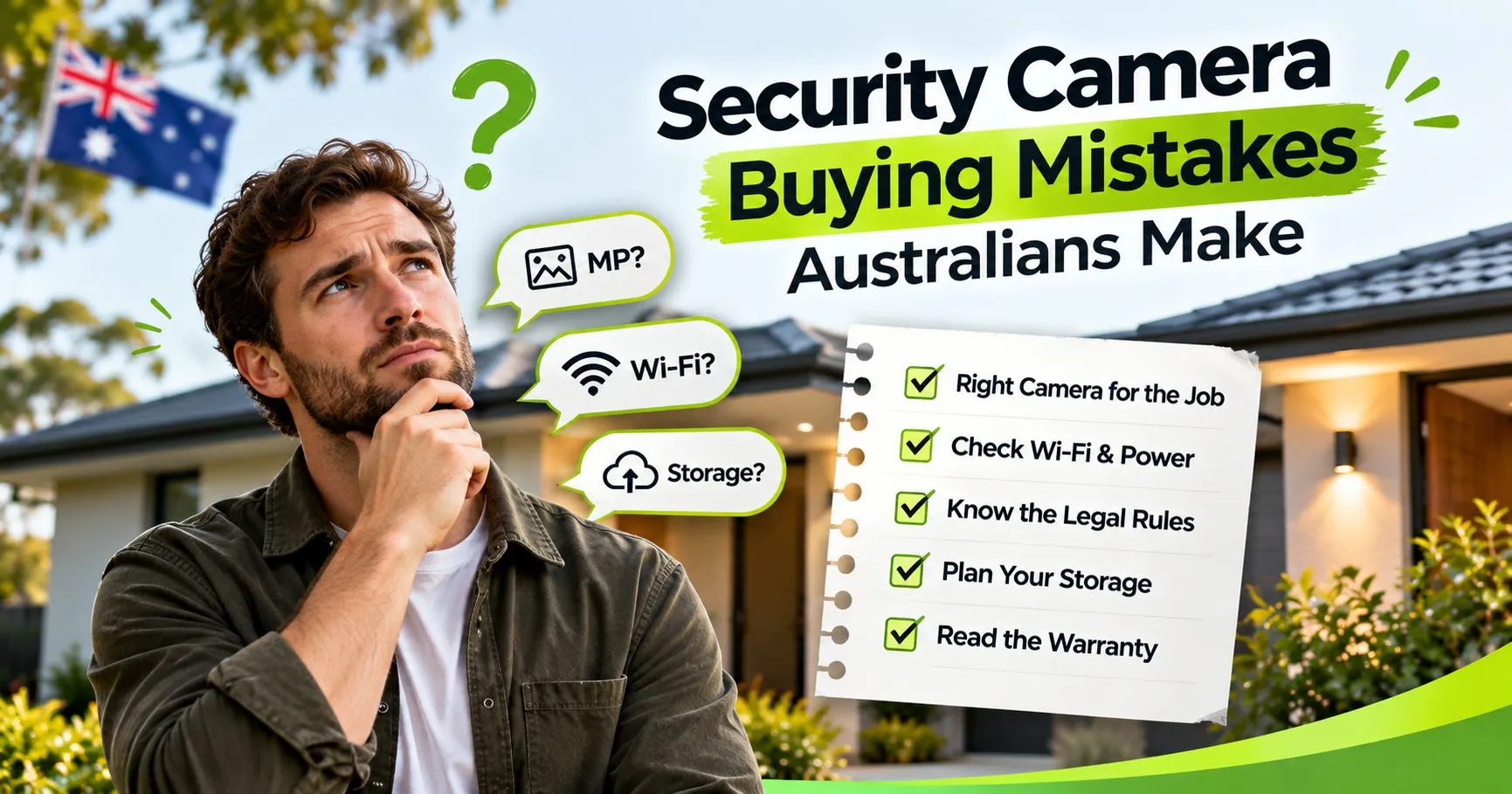
Security Camera Buying Mistakes Australians Make
Most camera regrets start before the box is opened. A shopper picks the biggest megapixel number and skips the Wi-Fi test. Three weeks later the lens turns out to point at the wrong thing.
This guide covers the security camera buying mistakes Australian households make most often, and how to avoid each one. It works as a CCTV buying checklist and a short list of what to avoid buying CCTV Australia stores put on the shelf. You’ll also see the common CCTV errors Australia households run into, from weak passwords to cameras aimed at a neighbour’s window.
Key Points:
|
Security Camera Buying Mistakes Australian Shoppers Make Start With the Spec Sheet
Spec sheets are written to sell, so the biggest number on the box rarely tells you what you need. The first of the security camera buying mistakes Australian make is trusting that number without asking what it means at their own front door.
Chasing Megapixels Instead of Usable Detail
A higher megapixel count sounds better, but asecurity camera is only as good as its lens, its sensor and where you point it. A 4MP camera that sees your front door clearly will beat an 8MP camera aimed at a dark paddock.
For most doors, driveways and side gates, 4MP gives enough detail to recognise a face at normal distances. If you want every camera type on one page, ourbest security cameras Australia guide compares them side by side.
Ask what the camera does after dark as well. Infrared range, colour night vision and lens aperture all change what you see at night, and the box rarely explains any of them.
Trusting the Word Weatherproof
Australian conditions are hard on outdoor gear. Salt air on the coast and heat inland both wear down housings and seals.
Look for a stated operating temperature range and a stated ingress protection rating, and be wary of a listing that only says weatherproof. NV NightVision lists itsoutdoor T5P andG11 for minus 20 to 50 degrees Celsius and up to 95 percent humidity, which is the sort of detail you should expect to see. If a listing gives no number at all, ask the seller before you pay.
Wi-Fi Problems Sit Behind Many Security Camera Buying Mistakes Shoppers Regret
A weak signal ruins more cameras than a weak lens. The footage freezes, the alerts arrive late and the owner decides the camera is faulty when the router is the real problem.
Skipping the Signal Test
Brick and concrete weaken Wi-Fi quickly, and so do long distances, so a back shed or far gate is often a dead zone. Stand where the camera will mount and check the bars on your phone before you buy.
If the signal is weak, plan for a mesh node or a mounting spot closer to the router. OurDIY security camera set-up guide walks through pairing and testing.
Many home cameras connect on the 2.4GHz band, which usually reaches further through walls than 5GHz. TheNV V6Z listing, for example, states Wi-Fi to IEEE 802.11 b/g/n, so check if your router can broadcast a 2.4GHz network.
Forgetting Power and Upload Limits
Wi-Fi cameras still need power. A camera with no power point nearby ends up with a long cable run or no coverage at all, so find the power before you pick the spot.
Remote viewing also uses your home internet upload speed. A slow plan can stutter when several cameras stream at once, so check your plan before you add a third or fourth security camera.
Choosing the Wrong Connection Type
Some buyers pay for a 4G camera when their house already has good Wi-Fi, and others buy Wi-Fi for a site with no internet. Match the connection to the site, not to the sales pitch.
Our4G security camera guide explains when mobile data makes sense.
If you’re weighing cables against wireless, thewired vs wireless comparison sets out the trade-offs.
Common CCTV Errors Australian Households Make With Placement and Privacy
A good camera in a bad spot gives you bad footage. Placement is free to fix before you drill and expensive to fix after.
Pointing the Lens at the Wrong Thing
Most placement errors come from pointing the camera at a wide view instead of a specific path. A camera that watches the whole street gives you hours of passing cars and very little useful footage.
Aim at the places someone has to cross, such as the front door and the side gate. Angle the lens down slightly so the ground in front of the door fills the frame, and mount it out of easy reach under an eave.
Avoid pointing straight into the afternoon sun or a bright streetlight, because glare washes out faces. Walk past the camera at night and check the result before you call the placement final.
Forgetting Neighbours, Audio and the Law
Each state and territory has its own surveillance laws, so a camera that’s fine in one place can cause problems in another. The Information and Privacy Commission NSW has a page onCCTV on private property that is a sensible starting point for that state.
Keep the lens on your own property and away from neighbours’ windows and yards. Think carefully before recording ongoing audio of conversations you aren’t part of, because audio is treated separately from video.
Oursecurity camera laws guide covers the basics, and a lawyer or your state regulator can confirm the details for your own situation.
Drilling First and Asking Later
Renters need the landlord’s written consent for anything that marks a wall, and strata owners need to check by-laws before fixing anything to common property. Skipping that step can put your bond or a dispute with the owners corporation at risk.
Plug-in indoor cameras and shelf placements often avoid the problem. Oureasy plug and play camera guide explains how setup works without cabling onWireless CCTV Cameras.
Storage Is the Mistake Most Buyers Think About Last
Footage is the whole point of a camera, yet many buyers never ask where it goes. Local microSD recording keeps clips on the camera, while cloud plans send them to a company’s server and often add a fee.
Check what’s included, what you’d pay later and what happens to your footage if you stop paying for a cloud plan. Ask how long clips are kept and how you’d export one if police ask for it.
If a camera records to microSD, check the maximum card size and whether a card comes in the box. The T5P and V6Z listings state support for cards up to 256GB. Use a high-endurance card, because cameras write to it constantly, and check playback after the first week.
Plan for power cuts too. A plug-in camera stops recording when the power fails, and live viewing pauses when the internet drops, even though a camera with a card keeps saving clips while it has power.
Weak Passwords and Skipped Updates Turn a Camera Into a Risk
A Wi-Fi camera is a small computer on your home network. Reusing your email password or leaving a default login in place is an easy way to let a stranger watch your feed.
According toETSI’s consumer IoT security standard, passwords on connected consumer devices should be unique per device or set by the user, andsmart security cameras are within its scope. That’s a fair test for any camera you’re considering.
Use a long, unique password and turn on two-factor login if the app offers it. Install firmware updates when they arrive, and ask the seller how long a camera will keep receiving them.
The Costliest Security Camera Buying Mistakes Involve Expectations
It’s tempting to treat a camera as a force field. The research says otherwise.
The Campbell Collaboration’s systematic review of CCTV pulled together44 evaluations and found that CCTV has a modest effect on crime, working best in car parks. Those studies looked at overseas public schemes, not a camera on your front door, but the lesson carries over. A camera is one layer, not a guarantee.
Burglars also tend to use ordinary entry points. The Victorian burglary figures show a door is the most common point of entry in residential burglaries, and a forced or broken door is the most recorded method.
So put good locks and sensible lighting first, then add a camera at the door and the gate. A built-in siren and two-way audio give you a way to respond in the moment.
What to Avoid Buying CCTV Australian Shoppers Regret Later
Some purchases are regrets waiting to happen. These are the ones to walk away from.
- Cameras with no stated operating temperature or ingress protection rating.
- Listings with no clear app, no named support contact and no warranty detail.
- A large multi-camera kit when two well-placed cameras would cover the real risks.
- Cameras that need a paid cloud plan for basic features you expected to be included.
- Anything sold without information on firmware updates or a support period.
Cost matters too, and the cheapest box is not always the cheapest outcome. Ourinstallation cost guide shows what a professional wired install typically involves, so you can compare it with a do-it-yourself Wi-Fi setup.
A CCTV Buying Checklist You Can Open on Your Phone in the Shop
Use this CCTV buying checklist before you pay for any CCTV camera. If you can’t answer a question, ask the seller.
- Where will the camera go, and are power and Wi-Fi available at that exact spot?
- Is it indoor or outdoor, and is the operating temperature range stated?
- Does it record to microSD, the cloud or both, and what does each option cost?
- Does it offer AI human detection to cut false alerts?
- Can you speak through it and sound a siren from the app?
- How long will the seller provide updates and support?
- What warranty applies, and what do your Australian Consumer Law rights add?
- Do you need approval from a landlord or owners corporation first?
Your Next Step Is a One-Page Shopping List
Before you buy, write one page. List each spot you want to watch, the power and Wi-Fi at that spot, whether you need approval and how you want footage stored.
Then compare models against that page rather than against the biggest number on the box. When you’re ready, thefull NV NightVision range lists every current model with its specifications.
A camera bought for a known job beats one bought on a hunch. A one-page list is the cheapest way to avoid the security camera buying mistakes Australia shoppers keep repeating.
Common Questions About Buying a Security Camera in Australia
What are the most common security camera buying mistakes in Australia?
The most common mistakes are choosing on megapixels alone, skipping a Wi-Fi signal test, mounting without checking the law or your lease, ignoring storage and passwords, and expecting a camera to stop a break-in. A short checklist before you buy avoids almost all of them.
What should I avoid buying when shopping for CCTV in Australia?
Avoid cameras with no stated temperature range or weather rating, no clear app or support contact, and no warranty detail. Skip oversized kits you don’t need. If a listing can’t tell you how footage is stored and how updates work, look elsewhere.
How do I test Wi-Fi before mounting a camera?
Stand exactly where the camera will sit and check the signal bars on your phone. Better still, run a quick speed test there. If the signal is weak, move the router, add a mesh node or choose a mounting spot closer to the house.
Is a higher megapixel camera always better?
No. Lens quality, sensor, night vision and placement matter as much as the megapixel count. A 4MP camera aimed at a front door gives enough detail to recognise a face, and it often outperforms a higher number pointed at a dark, distant area.
Do I need a cloud plan for my security camera?
Not always. A camera that records to a microSD card keeps clips on the device. Cloud plans add off-site copies but usually cost extra. Check the fees and what happens to your footage if you stop paying before you buy.
Can I point my camera at the street or my neighbour’s yard?
Keep the view on your own property. Filming areas where people expect privacy, such as bedrooms, bathrooms and enclosed yards, can be an offence in some states, and audio is treated separately from video. Check your own state’s rules before you install.
Do I need my landlord’s approval to install a camera?
Usually yes, if you drill, fix to a wall or change the property. A plug-in camera on a shelf often needs no fixing. Ask in writing and keep the reply. In strata buildings, check the by-laws before anything touches common property.
What can I do if my camera is faulty?
Contact the seller first, with your receipt and photos of the fault. Australian Consumer Law guarantees apply separately from any warranty. For a major problem you can choose a refund or replacement, and a minor one can usually be repaired.
What warranty do NV NightVision cameras have?
NV NightVision security cameras carry a 1-year warranty. Australian Consumer Law guarantees apply separately and automatically. If a camera has a major fault, you may be entitled to a repair, replacement or refund, whichever the law allows for your particular situation.