
Wired vs Wireless Security Camera: What’s Actually Better
Choosing between a wired vs wireless security camera changes what you pay for installation, and it can change how the camera actually performs once it’s mounted on the wall. Roughly 1.8 percent of Australian households experience a break-in each year, with a further 2.0 percent facing an attempted break-in, according to theAustralian Bureau of Statistics. A camera only helps if it actually works when something happens, which makes the wired-or-wireless decision more than a technical detail.
Both options record footage and send alerts to your phone, but they get there in different ways. A wired camera usually runs a physical cable back to a recorder or a Power over Ethernet switch. A wireless camera sends its footage over your home Wi-Fi, drawing power from a plug or a battery.
Neither option is universally better. The right choice depends on your property and whether you own or rent.
Quick Summary: What You Need to Know
- Wired cameras connect through physical cabling, usually Power over Ethernet, and don’t rely on your home Wi-Fi signal to send footage.
- Wireless cameras use your existing Wi-Fi network and are far easier for most Australian homeowners and renters to install without professional help.
- Hardwiring a camera into mains power counts as licensed electrical work in every state, so wired installs usually cost more and take longer.
- Wireless cameras suit renters, apartments, and most suburban homes, while wired systems suit large properties or spots with unreliable Wi-Fi.
- Image quality on modern wireless cameras, including AI-enabled models, is now close enough to wired that bandwidth is rarely the deciding factor.
How Wired and Wireless Security Cameras Actually Differ
The core difference between a wired vs wireless security camera sits in how each device gets power and sends data. A wired camera typically uses Power over Ethernet, a single cable that carries both electricity and video signal back to a network video recorder or switch.
According toWikipedia’s explanation of Power over Ethernet, the technology lets network cables deliver electric power alongside data on the same cable run. This removes the need for a separate power point at every camera location, though the cable itself still needs to be installed.
A wireless camera skips the cable entirely. It connects to your router over 2.4GHz or 5GHz Wi-Fi and usually plugs into a nearby power outlet, with some models running on rechargeable or solar-topped batteries instead.
Both approaches deliver the same basic outcome, a live feed and recorded footage you can review later. The difference shows up in how each one gets installed, and in what happens when something on your home network changes.
Reliability Looks Different Once You Add an Australian Home Into the Mix
A wired camera’s biggest advantage is consistency. Because it sends data over a dedicated cable, it isn’t affected by Wi-Fi congestion or a router sitting several rooms away, even behind thick double-brick walls.
Wireless cameras depend on a stable Wi-Fi signal reaching every camera location. In a large home, or a property with a shed or detached garage set well away from the router, that signal can weaken enough to cause dropouts or delayed alerts. A mesh Wi-Fi system or a dedicated extender usually fixes this for most Australian houses.
What Happens During an Internet Outage
Wireless cameras still record locally to a micro SD card during a broadband outage, but live viewing and phone alerts pause until the connection returns. A wired system feeding a local network video recorder can keep recording through an internet outage entirely, since it never depended on the internet to capture footage in the first place.
For most households, a short outage is a minor inconvenience. For a rural property or a business relying on real-time alerts, that gap matters more and tips the decision toward a wired setup or a stronger backup connection.
Installation Requirements Change Both the Cost and the Timeline
This is where the wired vs wireless security camera decision becomes a practical one rather than a technical one. Running new cabling through a wall or ceiling cavity, or hardwiring a camera into mains power, counts as licensed electrical work in every Australian state and territory.
According to theNSW Government’s electrical safety guidance, electrical wiring work must be carried out by a licensed electrician. Other states apply the same principle through their own electrical safety regulators, so a DIY hardwired install is not something you can legally do yourself.
That licensing requirement adds cost and lead time that a wireless install simply doesn’t have. A wireless camera connects to your existing Wi-Fi and power point, which means most Australian homeowners can mount and pair one within an afternoon.
Installation Costs Across Australian Properties
Wired systems typically cost more to install because the price includes an electrician’s labour on top of the hardware itself, and the total varies depending on how far cables need to run and how many access points the property has. Wireless systems avoid most of that labour cost, since the camera only needs power and a Wi-Fi signal to start working.
Image Quality and Bandwidth Are Closer Than People Expect
Wired connections can carry more consistent bandwidth, which historically meant less video compression and sharper footage than early wireless cameras managed. That gap has narrowed considerably.
Modern wireless cameras with AI human detection and efficient video compression now deliver footage clear enough to identify a face or a number plate at typical residential distances. For most homeowners comparing a wired vs wireless security camera on picture quality alone, the practical difference is small.
Where bandwidth still matters is when running several high-resolution cameras over a single household Wi-Fi connection at once. A property running six or more cameras simultaneously may see more benefit from a wired backbone than a household running one or two units at the front door and driveway.
Security and Privacy Considerations Differ Between the Two Setups
A wireless camera connects to the internet, which introduces some exposure to network-based risks. Using a strong, unique password and keeping the camera’s firmware updated cuts most of that risk on its own. Turning on two-factor login, where the app supports it, adds another layer worth the extra step.
A wired system connected to a closed local network, with no internet access at all, removes that exposure but also gives up remote phone viewing unless it’s deliberately configured with a secure remote connection.
Local storage plays a role here too. Recording footage to a local micro SD card or network video recorder, rather than only to a remote server, keeps your footage on your own property and under your own control either way.
How Renting or Living in a Strata Property Changes the Decision
If you’re renting or living in an apartment, the wired vs wireless security camera decision tends to resolve itself quickly. Wireless cameras mount with adhesive strips or freestanding stands, neither of which requires drilling into a wall or ceiling.
A hardwired system usually isn’t realistic for a rental. It needs fixed cabling and, in many cases, changes to the property’s existing wiring, which goes well beyond what most tenancy agreements allow without landlord approval.
Apartments and strata properties add another layer. External walls and shared hallways are classified as common property, so mounting any camera there, wired or wireless, usually requires approval from the owners corporation first.
Choosing Between Wired and Wireless for Your Property
| Property Type or Priority | Better Fit | Why |
| Rental property or apartment | Wireless | No drilling, no fixed wiring, easy to remove when you move |
| Large home or poor Wi-Fi coverage | Wired, or Wi-Fi with a mesh extender | Avoids signal dropouts to a shed or detached garage |
| Fast, weekend-afternoon install | Wireless | No electrician required, connects to existing Wi-Fi and power |
| Six or more cameras on one network | Wired backbone | Reduces load on shared household Wi-Fi bandwidth |
| Standard suburban home, front door and driveway | Wireless | Simple setup, easy to reposition, suits most Australian households |
For the vast majority of Australian homeowners and renters covering a front door or driveway, a wireless setup covers the job without the cost or disruption of an electrician.
NV NightVision Makes the Wireless Choice Straightforward
NV NightVision designs its camera range for Australian homes and businesses, with every model built around Wi-Fi connectivity rather than hardwired cabling. Designed in Australia, the range focuses on cameras that install without an electrician while still holding up to local weather.
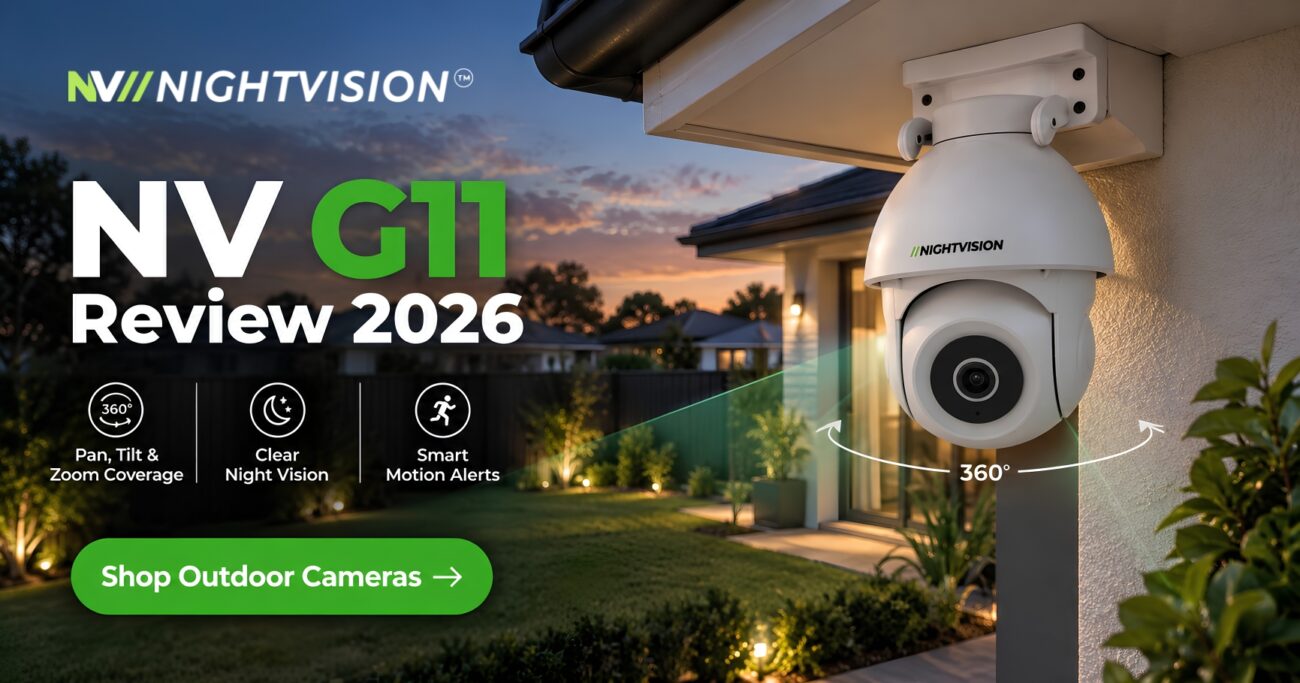
TheNV T5P-Ratri Bullet Outdoor Wi-Fi CCTV Camera connects over 2.4GHz Wi-Fi and includes AI human detection, a built-in siren, two-way audio, and infrared night vision, making it a straightforward outdoor option for a front door or driveway. For wider perimeter coverage, theNV Ratri G11 Outdoor PTZ Camera adds 355-degree pan with motion-activated tracking, still without a single new cable run.
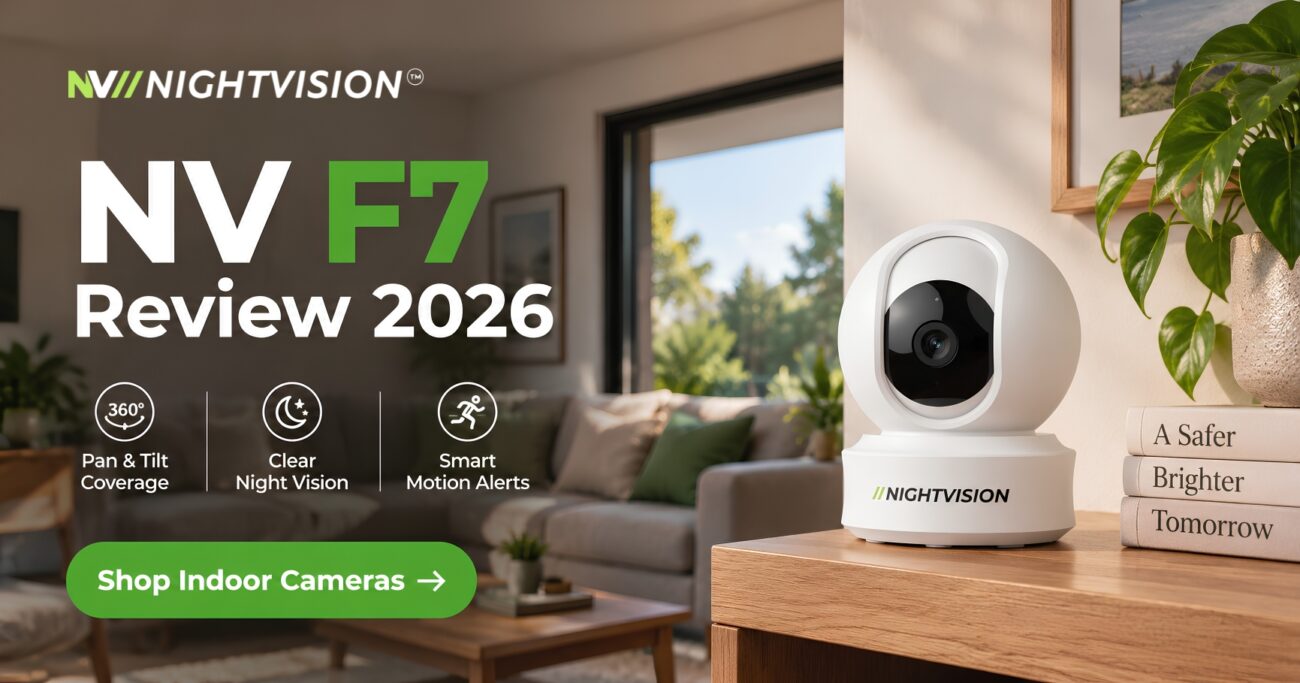
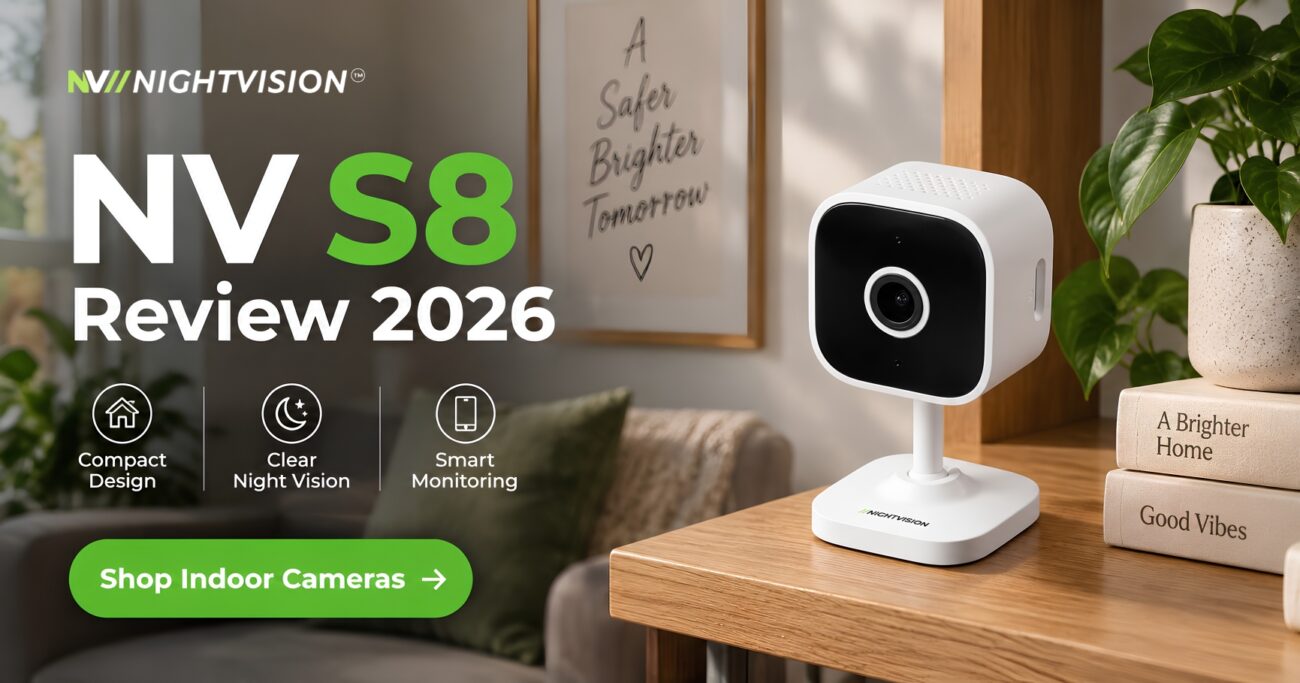
Indoors, theNV F7 Indoor Pan-Tilt Camera and theNV Y1 Indoor Dome Camera offer the same plug-and-play setup for hallways and living areas. Browse the fullNV NightVision wireless security camera range to compare models side by side.
Match Your Camera Choice to How You Actually Live
If you rent, or you just want a working camera by the end of the weekend, a wireless setup removes the cost and disruption of an electrician while still giving you a real, working deterrent at the door. If you own a large property with patchy Wi-Fi in the back corner, it’s worth weighing a wired connection or a mesh extender before you buy.
Whichever direction you choose, your purchase carries consumer guarantees under the Australian Consumer Law regardless of brand, on top of any manufacturer warranty offered. Take a look at the fullNV NightVision shop to compare wireless indoor and outdoor models before deciding.
A security camera is only worth buying if it actually gets used, so pick the option that fits how your household really operates rather than the one that sounds more technical on paper.
Common Questions About Wired and Wireless Security Cameras in Australia
Is a wired security camera more reliable than a wireless one?
A wired security camera is often more reliable because it sends video over a physical cable rather than depending on home Wi-Fi. Wireless cameras can drop out during network congestion or an internet outage, though a strong Wi-Fi signal keeps most home installations stable day to day.
Do wireless security cameras need an internet connection to work?
Wireless security cameras need a stable Wi-Fi connection to send live footage and phone alerts, though most models still record locally to a micro SD card during an outage. A wired system connected directly to a network video recorder can keep recording without any internet at all.
Is it legal to install a hardwired security camera myself in Australia?
Running new cabling or connecting a hardwired camera to mains power counts as licensed electrical work in every Australian state. According to the NSW Government, electrical wiring work must be completed by a licensed electrician, so a DIY hardwired install is not permitted even on your own property.
How much more does a wired security camera system cost to install?
A wired system typically costs more upfront because it requires a licensed electrician to run cabling through walls or ceilings, on top of the camera hardware itself. Wireless cameras usually cost less to set up since most Australian homeowners can mount and connect them without professional help.
Can renters install wireless security cameras in a rental property?
Renters can usually install wireless security cameras because most models mount with adhesive strips or freestanding stands rather than permanent drilling. A hardwired system usually isn’t practical in a rental since it needs fixed cabling and often changes to the property’s existing wiring.
Which option performs better in areas with poor Wi-Fi coverage?
A wired camera performs better in areas with poor Wi-Fi coverage because it doesn’t rely on a wireless signal to reach the recorder. If your Wi-Fi struggles to reach a shed or a detached garage, a wired connection or a mesh Wi-Fi extender is worth considering first.
Do wired security cameras offer better video quality than wireless ones?
Wired cameras can support more consistent bandwidth, which sometimes allows less video compression than a wireless connection under heavy network load. In practice, many modern wireless cameras, including AI-enabled models, deliver clear high-resolution footage sufficient for identifying faces and vehicles at home.
Are wireless security cameras easier to move or reposition later?
Wireless security cameras are far easier to move since there’s no fixed cable run tying the unit to one spot. If you rearrange furniture or move house, a wireless camera can be repositioned in minutes rather than needing an electrician.
What warranty applies to security cameras sold in Australia?
Security cameras sold in Australia are automatically covered by consumer guarantees under the Australian Consumer Law regardless of brand. NV NightVision backs its wireless camera range with a dedicated 1-year manufacturer warranty on top of these statutory protections enforced by the ACCC.
Is a wireless security camera vulnerable to hacking?
A wireless security camera carries some network exposure, though a strong unique password and regular firmware updates reduce this risk significantly. Two-factor login, where the app supports it, adds a further layer of protection.

Add a review
Your email address will not be published. Required fields are marked *