In 2026, CCTV systems have evolved more than a simple security camera, offering seamless connectivity. Whether you want to monitor your desired places from a smartphone, check your office cameras on a tablet, or manage footage from a desktop computer, modern CCTV technology makes it easier for you. Understanding how to connect CCTV to different devices is essential to maximise its functionality. This can be achieved by using Ethernet or network cables for direct connections, WiFi for wireless access, mobile apps for smartphones and tablets, or accessing the system via an IP address on a browser. Using these connection devices ensures real-time monitoring, enhanced security, and remote access from virtually anywhere.  This blog will discuss everything you need to know about connecting CCTV cameras, including how they can be connected to a TV, smartphone, and laptop/PC. Why is it beneficial to connect your CCTV camera to different devices?  A CCTV camera is a security device used to monitor and protect the property. Therefore, to monitor the surveillance area 24/7 without interruption, it is important to connect the CCTV camera to different devices. Some of the reasons why this is essential are given below: Instant Alert: Receives an instant alert if any unusual activity occurs or if any motion is detected in the CCTV area. This prevents damage, loss and theft.  Remote Monitoring: Watch the live footage by using different devices, such as smartphones, from anywhere you want - whether from the office or from home.  Ease of Sharing Footage: Sharing the footage from one place to another through other devices, such as computers, can be easy.  Real-Time Decision Making: Live footage of suspicious activity helps the authorised users to make instant decisions. It also helps during emergency situations.  Enhanced Control: Using the camera in different devices, such as mobile phones, allows you to adjust settings, playback footage, and manage cameras directly.  How to connect a CCTV camera to a laptop/pc: A step-by-step guide Connecting modern CCTV cameras, such as the Ratri G11 and Netra S8, to a laptop/PC allows you to monitor live footage. Additionally, it also allows you to record videos in a digital file format and manage camera settings from a single system. But how to connect a CCTV camera to a laptop/PC? Here is the step-wise procedure for it. How to connect CCTV to a laptop using WiFi? Accessing CCTV cameras through a PC via the WiFi is one of the best ways to monitor and manage surveillance footage remotely. It helps to improve security management and access live footage. Cameras like Netra V6Z and Y1-Ratri Dome Indoor give you a chance to connect your CCTV with a PC through a WiFi network. The step-by-step process for this is as follows: Step 1: Power and Initial Setup: Turn on your camera and connect it to your network. Make sure that the camera is close to the router. Use the app to connect the network. Step 2: Verify Network: Verify that your laptop and camera are connected to the same WiFi network.  Step 3: Find the Camera's IP Address: Open your router's web interface and check the list of connected devices to locate your camera's IP address.  Step 4: Access on Laptop: Type the camera's IP address into a web browser to access. How can a CCTV camera be connected to a PC without using an NVR? Connecting a CCTV camera to a PC without an NVR allows you to monitor your footage directly on your computer. This method uses a network connector, power adapter, and network cable. Cameras such as the T5P-Ratri Bullet Outdoor and F7-Netra Indoor PT can be connected without an NVR. The step-by-step guide for this is given below: Step 1: Get your security camera charged: Charge your security camera fully from the power adaptor before using it. Step 2: Use the network cable to connect to the camera and the computer: Connect one end of the network cable into the network connector and the other end into the computer. Step 3: Scan and find out the security camera's IP address on the computer: Use or install the software provided by the manufacturer to scan for your camera and select its IP address from the default addresses. Step 4: Change the computer's IP address to the same network prefix of the IP camera: Open Run, type ncpa.cpl, right click on Ethernet, choose properties, select the computer's Internet Protocol version, press properties and change the IP address.  How to Connect CCTV Camera System to a PC without a router network? Setting up the CCTV camera system to Laptop/Pc without a router network is also a good way to view and manage your camera footage locally. It ensures privacy, security and uninterrupted access to your recording. The step-wise procedures are listed below:  Step 1: Connect all the cameras to the NVR: Connect all the devices, including the NVR, to your monitor and mouse after getting the new IP camera system. Step 2: Start watching the IP cameras: After the system gets started, a setup tool will open, which helps you to view the live footage and configure the basic settings. Step-by-step guide for connecting CCTV to TV. Watching a security camera on TV helps you monitor in an easy way. Additionally, it also helps you monitor the live footage on a larger screen. But how can you connect your CCTV camera to your TV? If you follow the right step-by-step procedure, you can easily and smoothly connect your CCTV camera with your TV without any technical issues. The step-wise procedure is given below: How to Connect a CCTV Camera to a TV with an NVR Connecting your CCTV camera to your TV is one of the easiest ways of viewing your camera's footage. It is because you can view your camera's footage directly on your TV screen with the help of an NVR. To connect your CCTV camera with your TV with the help of an NVR, you need an HDMI cable, an Ethernet cable, an NVR, and a power adapter. The step-by-step procedure is given below. Step 1: Connect the camera to the NVR: Plug the CCTV camera into the NVR (Network video recorder) using an Ethernet cable.  Step 2: Connect NVR to TV: Connect one end of the HDMI cable into the NVR and another end into the HDMI input of the TV.  Step 3: Power on Devices: Plug the NVR into a power source and turn on the television.  Step 4: Select TV Input: Use the TV remote to set it to the HDMI input. Step 5: Configure and View: The display of the NVR will be shown on the TV screen. Browse the setup menu and set up the camera configuration by using a USB mouse to view the live video on TV. How to Connect CCTV to TV Wirelessly? Many people are facing problems with the wire while connecting the CCTV camera to the TV. To overcome these problems, you can use modern security cameras such as the Ratri G11 camera and Netra V6Z Camera, as they offer seamless TV connectivity. But, how can you connect CCTV to TV wirelessly? The following are the essential steps for it.   Step 1: Connect your security camera to WiFi: Ensure that your security camera is connected to the WiFi network. Step 2: Turn on your smart TV: Turn on your smart TV to process the steps further.  Step 3: Download the camera app: Access the TV's app store, find out the camera's brand apps and download it.  Step 4: Set Up the Camera on TV: Open the application and follow the instructions on the screen to incorporate your camera.  How to Connect CCTV Camera to Phone: Step-by-Step Procedure Many forms of CCTV cameras allow you to connect with smartphones as it streams footage of specific locations from anywhere, offering greater flexibility. It also assists in making surveillance systems more convenient and secure. By following the steps that are included in the process of how to connect CCTV cameras to phones, you can have a hassle-free process. How to connect a CCTV camera to a phone via WiFi?  Connecting a CCTV camera to your smartphone can be achieved in different ways, based on your camera's model and features. A stable WiFi connection and the appropriate mobile application are important for successful setup and remote monitoring. Below is the step-by-step process for it.  Step 1: Ensure WiFi connectivity: Make sure that your CCTV camera is compatible with WiFi connectivity.  Step 2: Install Mobile App: Download the specific mobile applications from the App Store and Google Play that are required to see the footage from smartphones. Step 3: Configure Camera Settings: Launch the app and adhere to the prompt given in the application to set up the camera configuration. While configuring, connect it to your WiFi network for the visibility of live footage.  Step 4: Pair with Smartphone: Use the QR code or secure code to pair your CCTV camera with your smartphone. Also Read: How to connect a night vision CCTV camera to a mobile app? Common problems faced when connecting the CCTV to different devices.  Many people connect CCTV cameras with different devices to continuously monitor and provide information about the desired place. While connecting the camera to different devices, many problems may arise that can lead to poor video quality, connectivity issues, and an inability to access footage remotely. The common problems include:  Connectivity issue: Issues caused by wrong cable type, loose connection, incorrect port selection and router/firewall blocking IP camera leads to difficulty in accessing the camera remotely.  Power Problems: Insufficient voltage, faulty power connection or using passive PoE (power over Ethernet) results in the CCTV camera not turning on.  Software / Compatibility Issues: Using an incompatible operating system or app version, or using software that is designed for different brands, can cause problems with the camera not being detected. Authentication / Login Issues: Entering the wrong username or password, or failing to follow proper security protocols, will prevent you from logging into the device remotely. Mobile App / Cloud Access Problems: Scanning wrong QR codes, entering an inappropriate login password and poor internet connectivity result in the inability to view live footage. Tips to solve the problem related to connecting the CCTV to various devices While connecting the CCTV camera to various other devices, issues may arise. These issues can cause the live footage to be unavailable or the video quality to degrade. For smooth connectivity, reliable video monitoring with clear video quality, some tips need to be applied, which are:  Reboot Everything: Restart all the devices (CCTV camera, NVR/DVR  and your router) to resolve temporary glitches/issues.  Check Power Supply: Ensure that your CCTV is not having problems like a loose power cord. Update Firmware/Software: Ensure timely updates for your CCTV camera and NVR software to avoid incompatibility issues. Check Input Sources: For using a TV or monitor, make sure that they are connected to the right HDMI or VGA source.  Inspect Cables: Inspect the coaxial or Ethernet cable to check whether it is damaged, bent, or corroded. Conclusion Understanding how to connect CCTV to different devices in 2026 is an efficient process because of advanced networking features, user-friendly apps, and cloud-based systems. By following the steps, you can set up your CCTV camera with the right configuration to enjoy real-time video, instant alerts, and access from anywhere with minimal effort. Our CCTV cameras support a variety of devices, including smartphones, tablets, and computers, to help you stay connected to your property from anywhere, at any time. With a proper setup, your CCTV is a powerful tool to meet your current requirements. In this blog, we covered everything you need to know about CCTV cameras, including how to connect them to a TV, smartphone, and laptop/PC. For further information regarding CCTV cameras, check out some other blogs. Additionally, if you are in search of the best and most reliable CCTV camera in Australia, contact Night Vision .  FAQ on How to Connect CCTV to Different Devices Can CCTV be connected to two phones? Yes, CCTV cameras like Netra V6Z, Y1-Ratri Dome Indoor, and T5P-Ratri Bullet Outdoor can be used to connect more than two phones at the same time. This can be achieved if you use the same account on multiple devices or by sharing access through the app to allow multiple people to view. How to connect CCTV to several TVs? The best possible way to connect CCTV to multiple TVs is to use the HDMI splitter for short distances and HDMI over Ethernet extenders for longer distances. Connect multiple TVs to the same network and use decoders to transmit the cameras for IP networks. How to connect CCTV to different devices wirelessly?  Connecting a CCTV camera wirelessly to various devices requires Wi-Fi-compatible cameras, specific manufacturer applications, and network setups to transmit video to smartphones, computers, or smart TVs.

How to Connect CCTV to Different Devices in 2026: Complete Guide

CCTV in 2026 does far more than record footage to a hard drive. Learning how to connect CCTV to different devices means you can check your desired places from a smartphone on the train, pull up your office cameras on a tablet during a meeting, or review footage on your desktop at the end of the day. Getting the most out of a modern CCTV camera connection comes down to knowing your options: an Ethernet or network cable for a direct CCTV connection, WiFi for wireless CCTV access, a mobile app for your phone or tablet, or a browser login using the camera’s IP address.

This guide covers everything you need to connect a CCTV camera to a TV, a smartphone, and a laptop or PC, plus how to fix the most common CCTV connection problems along the way.

Why is it beneficial to connect your CCTV camera to different devices?
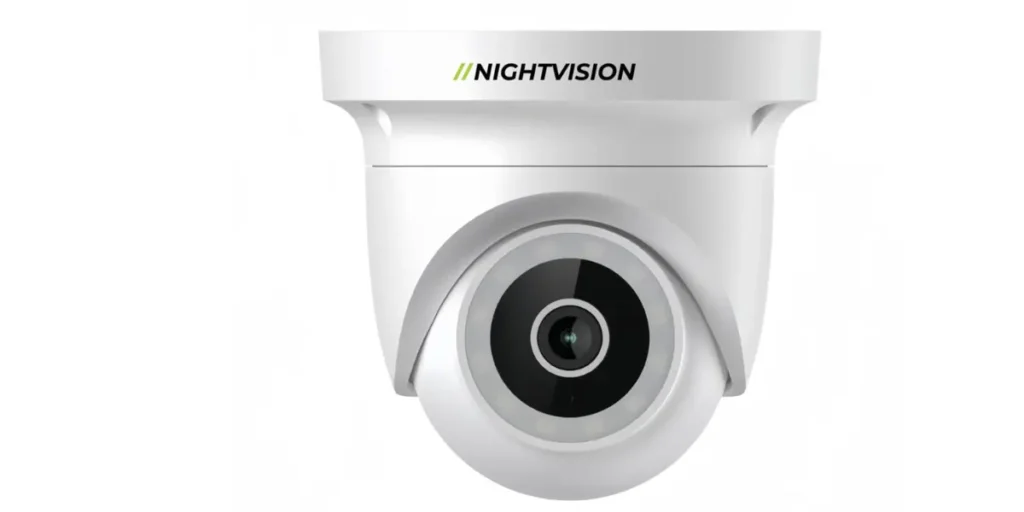
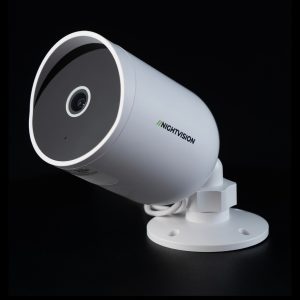
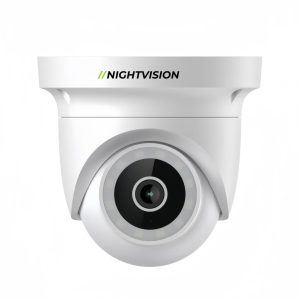
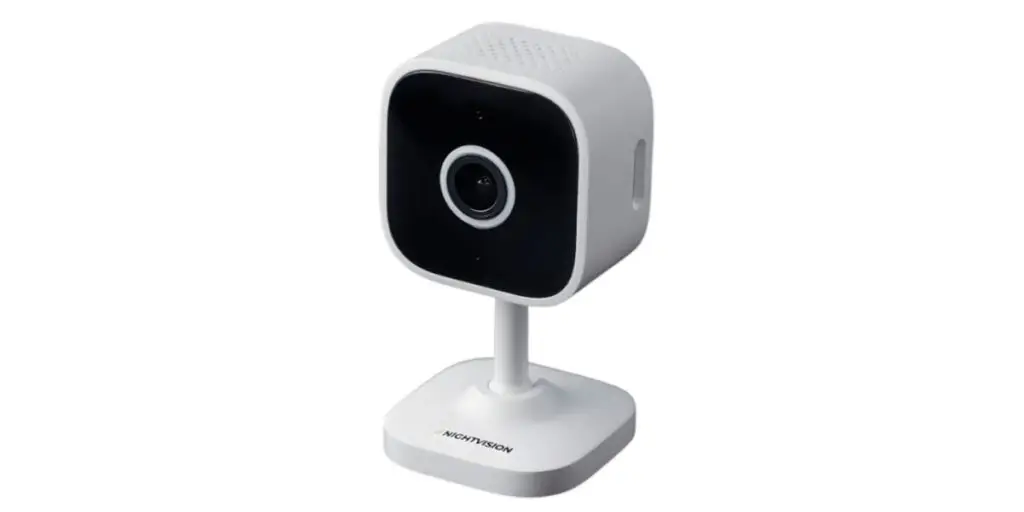
Smart night vision CCTV camera for multiple device connections

A CCTV camera only does its job properly if you can check it when it matters. Connecting your CCTV camera across multiple devices is what makes that possible. Here’s why it’s worth setting up:

  • Instant alerts – get notified the moment unusual activity or motion is detected on your connected CCTV system, so you can act before damage, loss, or theft happens
  • Remote CCTV monitoring – watch live footage from a smartphone whether you’re at the office, at home, or somewhere else entirely
  • Easy footage sharing – move recordings from one device to another, such as onto a computer, without much hassle
  • Real-time decisions – live footage from your connected security camera gives you what you need to act fast, particularly in an emergency
  • More control – adjust settings, play back footage, and manage your CCTV camera system directly from your phone

    How to connect a CCTV camera to a laptop or PC: a step-by-step guide

    Connecting a CCTV camera to a laptop or PC lets you watch live footage, save recordings as digital files, and manage camera settings all from one screen. This applies whether you’re running an indoor model from NV NightVision’s range of indoor security cameras or an outdoor unit from the outdoor security camera range. Here’s how.

    How to connect CCTV to a laptop using WiFi?

    Connecting your CCTV camera to a PC over WiFi is one of the simplest ways to monitor and manage footage remotely. Here’s the WiFi CCTV connection process:

    Step 1: Power and initial setup.

    Turn on your camera and connect it to your network. Keep the camera close to the router while you set it up, and use the app to complete the network connection.

    Step 2: Verify network.

    Check that your laptop and camera are on the same WiFi network.

    Step 3: Find the camera’s IP address.

    Open your router’s web interface and look through the list of connected devices to find your camera.

    Step 4: Access on laptop.

    Type the camera’s IP address into a web browser to view the feed.

      How to connect a CCTV camera to a PC without an NVR
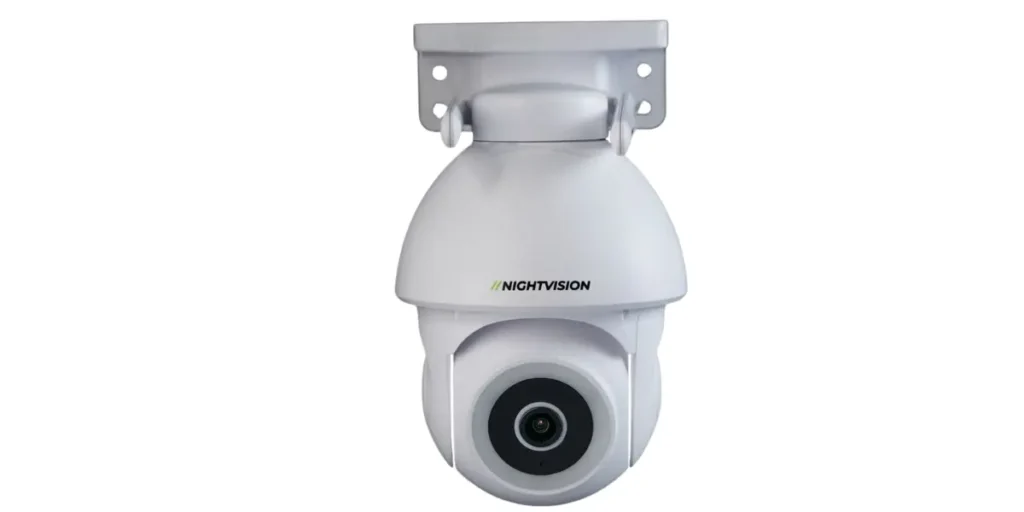
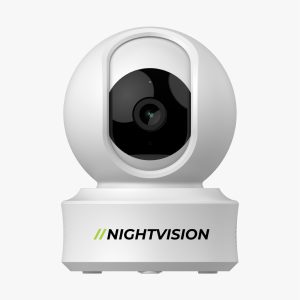
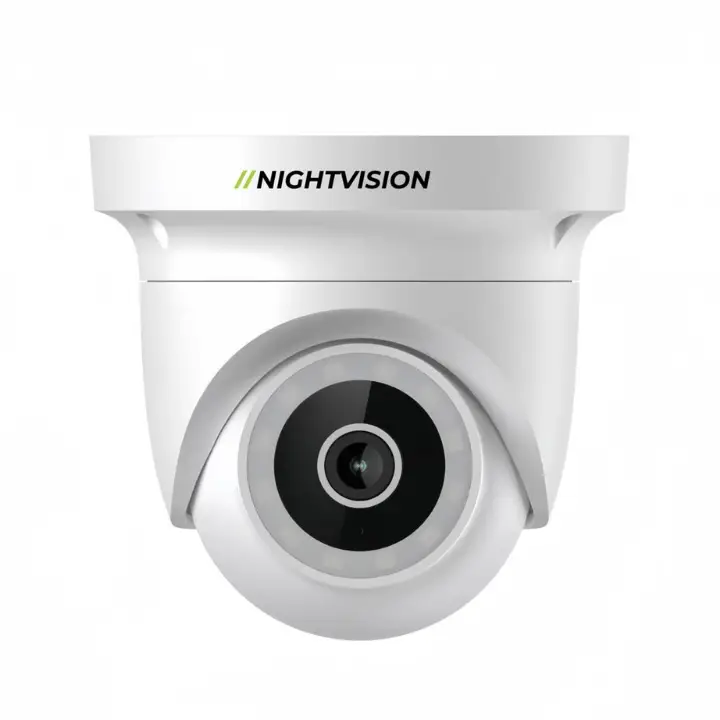
      Night vision CCTV camera compatible with smartphone, PC, and TV

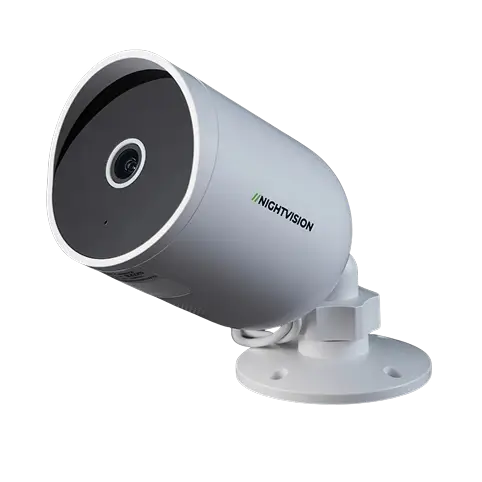
      You don’t need an NVR to connect your CCTV camera directly to a computer. This method uses a network connector, a power adapter, and a network cable, and works well with most outdoor-rated cameras like NV NightVision’s T5P-Ratri Bullet Outdoor Wi-Fi CCTV Camera.

      Step 1: Charge your camera.

      Fully charge it from the power adaptor before you start.

      Step 2: Connect the network cable.

      Plug one end into the camera’s network connector and the other into your computer.

      Step 3: Find the camera’s IP address.

      Use the manufacturer’s software to scan for the camera and select its IP address from the list.

      Step 4: Match your computer’s IP address.

      Open Run, type ncpa.cpl, right-click on Ethernet, choose Properties, select Internet Protocol Version, click Properties, and update the address to match the camera’s network prefix.

        How to Connect CCTV Camera System to a PC without a router network?

        Setting up your CCTV camera system without going through a router keeps things local and gives you privacy and uninterrupted access to your recordings.

        Step 1: Connect all cameras to the NVR.

        Hook up the NVR along with your monitor and mouse once your new IP camera system arrives.

        Step 2: Start watching.

        A setup tool opens once the system starts, letting you view live footage and adjust the basic settings.

        Step-by-step guide for connecting CCTV to TV.

        Watching a security camera on TV helps you monitor in an easy way. Additionally, it also helps you monitor the live footage on a larger screen. But how can you connect your CCTV camera to your TV? If you follow the right step-by-step procedure, you can easily and smoothly connect your CCTV camera with your TV without any technical issues. The step-wise procedure is given below:

        How to Connect a CCTV Camera to a TV with an NVR

        Connecting your CCTV camera to your TV is one of the easiest ways of viewing your camera’s footage. It is because you can view your camera’s footage directly on your TV screen with the help of an NVR. To connect your CCTV camera with your TV with the help of an NVR, you need an HDMI cable, an Ethernet cable, an NVR, and a power adapter. The step-by-step procedure is given below.

        • Step 1: Connect the camera to the NVR:Plug the CCTV camera into the NVR (Network video recorder) using an Ethernet cable.
        • Step 2: Connect NVR to TV:Connect one end of the HDMI cable into the NVR and another end into the HDMI input of the TV.
        • Step 3: Power on Devices:Plug the NVR into a power source and turn on the television.
        • Step 4: Select TV Input: Use the TV remote to set it to the HDMI input.
        • Step 5: Configure and View:The display of the NVR will be shown on the TV screen. Browse the setup menu and set up the camera configuration by using a USB mouse to view the live video on TV.

        How to Connect CCTV to TV Wirelessly?

        Many people are facing problems with the wire while connecting the CCTV camera to the TV. To overcome these problems, you can use modern security cameras such as the Ratri G11 camera and Netra V6Z Camera, as they offer seamless TV connectivity. But, how can you connect CCTV to TV wirelessly? The following are the essential steps for it.

        • Step 1: Connect your security camera to WiFi:Ensure that your security camera is connected to the WiFi network.
        • Step 2: Turn on your smart TV:Turn on your smart TV to process the steps further.
        • Step 3: Download the camera app:Access the TV’s app store, find out the camera’s brand apps and download it.
        • Step 4: Set Up the Camera on TV:Open the application and follow the instructions on the screen to incorporate your camera.

        How to connect a CCTV camera to your phone: step-by-step
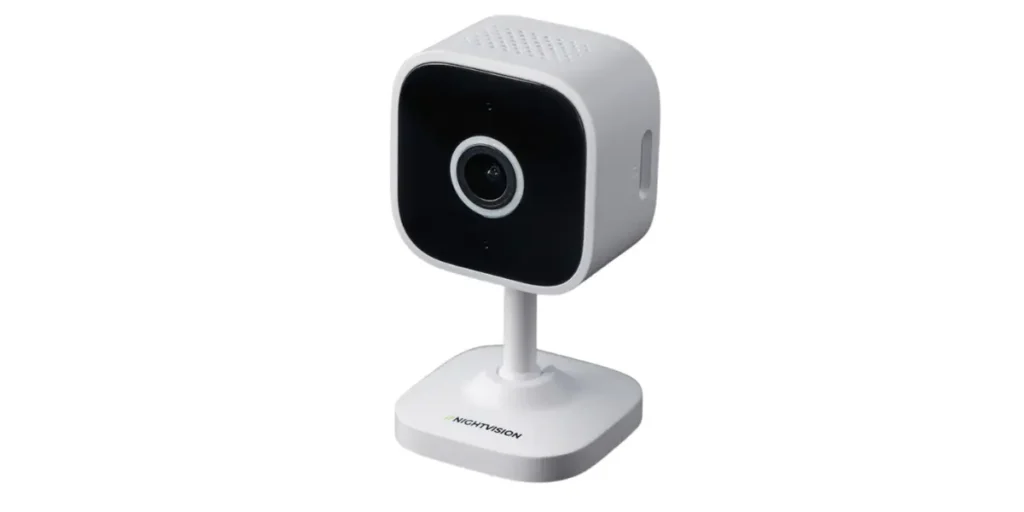
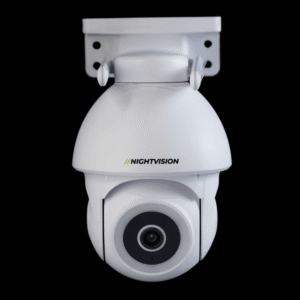
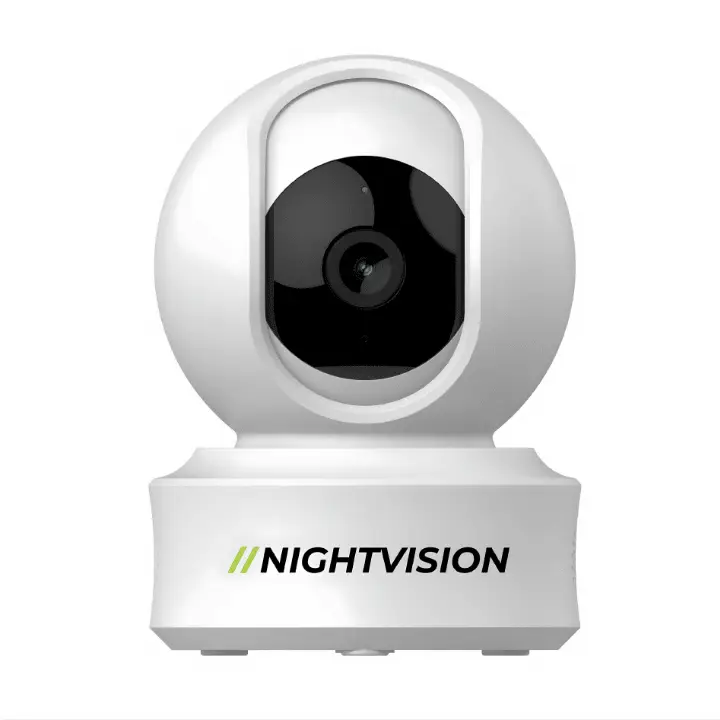
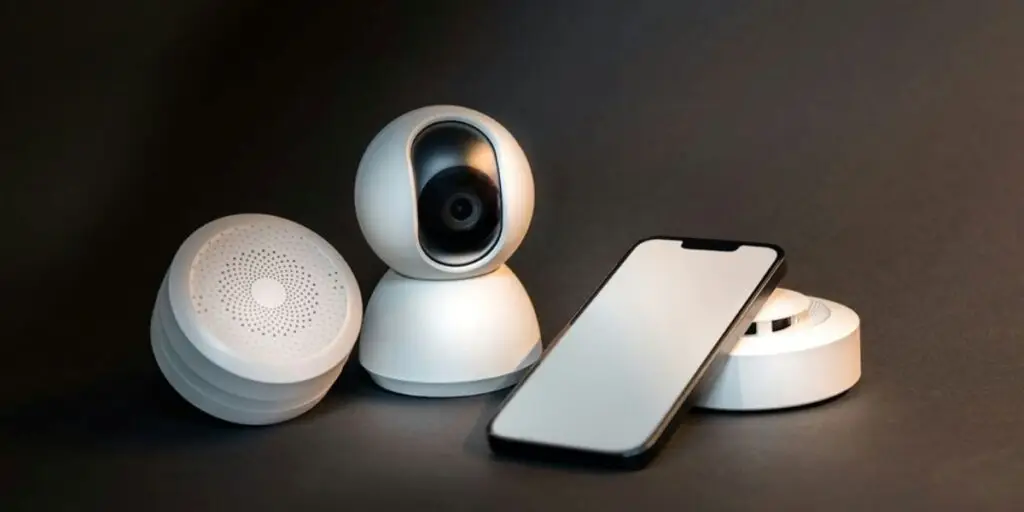
        Wireless night vision CCTV camera connectable to all devices

        Connecting a CCTV camera to your phone is one of the more useful things a modern CCTV camera connection does, since it means you can check in on a location from wherever you are. The exact steps depend a little on your camera’s model, but the general process for CCTV to phone connection looks like this.

        How to connect a CCTV camera to a phone via WiFi?

        Connecting a CCTV camera to your smartphone can be achieved in different ways, based on your camera’s model and features. A stable WiFi connection and the appropriate mobile application are important for successful setup and remote monitoring. Below is the step-by-step process for it.

        Step 1: Ensure WiFi connectivity:

        Make sure that your CCTV camera is compatible with WiFi connectivity.

        Step 2: Install Mobile App:

        Download the specific mobile applications from the App Store and Google Play that are required to see the footage from smartphones.

        Step 3: Configure Camera Settings:

        Launch the app and adhere to the prompt given in the application to set up the camera configuration. While configuring, connect it to your WiFi network for the visibility of live footage.

        Step 4: Pair with Smartphone:

        Use the QR code or secure code to pair your CCTV camera with your smartphone.

        Also Read:

        How to connect a night vision CCTV camera to a mobile app?

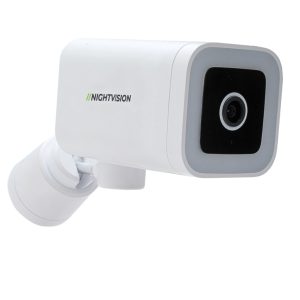
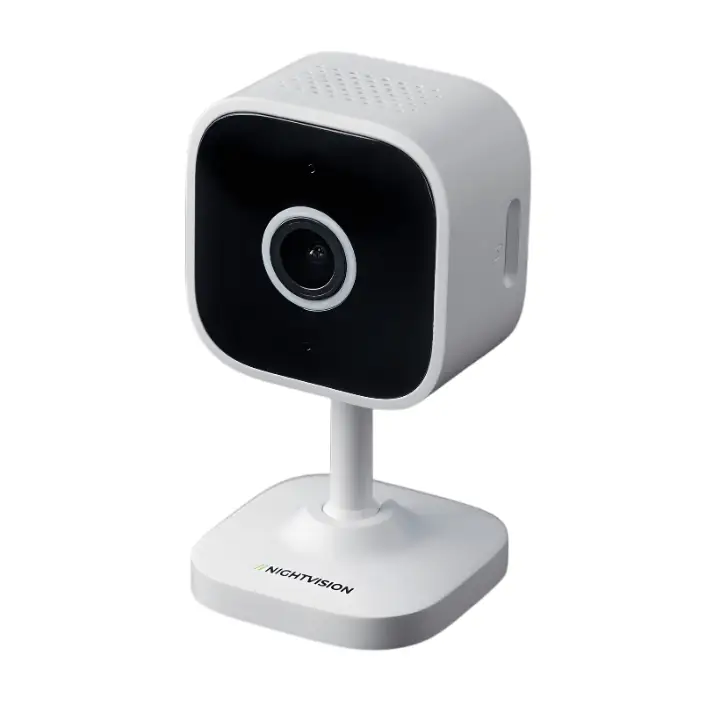
         Smart security cameras compatible with Google Home and Alexa

        Common problems when connecting CCTV to different devices

        Many people connect CCTV cameras with different devices to continuously monitor and provide information about the desired place. While connecting the camera to different devices, many problems may arise that can lead to poor video quality, connectivity issues, and an inability to access footage remotely. The common problems include:

        • Connectivity issue: Issues caused by wrong cable type, loose connection, incorrect port selection and router/firewall blocking IP camera leads to difficulty in accessing the camera remotely.
        • Power Problems:Insufficient voltage, faulty power connection or using passive PoE (power over Ethernet) results in the CCTV camera not turning on.
        • Software / Compatibility Issues:Using an incompatible operating system or app version, or using software that is designed for different brands, can cause problems with the camera not being detected.
        • Authentication / Login Issues: Entering the wrong username or password, or failing to follow proper security protocols, will prevent you from logging into the device remotely.
        • Mobile App / Cloud Access Problems:Scanning wrong QR codes, entering an inappropriate login password and poor internet connectivity result in the inability to view live footage.

        Tips for fixing CCTV connection problems

        While connecting the CCTV camera to various other devices, issues may arise. These issues can cause the live footage to be unavailable or the video quality to degrade. For smooth connectivity, reliable video monitoring with clear video quality, some tips need to be applied, which are:

        • Reboot Everything:Restart all the devices (CCTV camera, NVR/DVR  and your router) to resolve temporary glitches/issues.
        • Check Power Supply:Ensure that your CCTV is not having problems like a loose power cord.
        • Update Firmware/Software: Ensure timely updates for your CCTV camera and NVR software to avoid incompatibility issues.
        • Check Input Sources: For using a TV or monitor, make sure that they are connected to the right HDMI or VGA source.
        • Inspect Cables:Inspect the coaxial or Ethernet cable to check whether it is damaged, bent, or corroded.

        Getting the most from your connected CCTV system

        Connecting CCTV to different devices in 2026 is easier than it used to be, thanks to better networking, more user-friendly apps, and cloud-based systems. Once your CCTV camera connection is set up properly, you get real-time video, instant alerts, and access from anywhere, without much ongoing effort. NV NightVision’s full range of security cameras supports smartphones, tablets, and computers, so you can stay connected to your property whenever you need to.

        This guide has covered how to connect your CCTV camera to a TV, smartphone, and laptop or PC. For more on getting the most from your CCTV camera system, check out our guide to Australia’s best security cameras, and if you’re after a reliable CCTV camera in Australia, browse the NV NightVision shop.

        FAQ on How to Connect CCTV to Different Devices

        Can CCTV be connected to two phones?

        Yes. Most WiFi-enabled cameras, including NV NightVision’s outdoor and indoor ranges, can connect to more than two phones at once, either by using the same account on multiple devices or by sharing access through the app.

        How do I connect CCTV to several TVs?

        Use an HDMI splitter for short distances or HDMI-over-Ethernet extenders for longer runs. Connect the TVs to the same network and use decoders to transmit footage across IP networks.

        How do I connect CCTV to different devices wirelessly?

        You’ll need a WiFi-compatible camera, the right manufacturer app, and a network set up to send video to smartphones, computers, or smart TVs.

        Can I connect a CCTV camera to my phone without WiFi?

        Not for live viewing, since that relies on a network connection. Some cameras still record locally to an SD card even without WiFi, and you can review that footage later once you’re back on the network.

        Do I need an NVR to connect CCTV to a TV?

        No, not always. An NVR makes the process simpler and supports multiple cameras at once, but WiFi-enabled cameras can often connect to a smart TV directly through the manufacturer’s app instead.

        Can I view CCTV footage through Google Home or Alexa?

        Some models support Google Assistant and Alexa integration, letting you pull up live feeds on compatible smart displays using voice commands. See our guide to smart-home compatible cameras for specific models.

        Why isn’t my CCTV camera showing up on my computer?

        Usually it comes down to a cable or driver issue, a mismatched IP address range between the camera and computer, or a firewall blocking the connection. Working through each of these in turn usually finds the fault.

        Can I connect an older CCTV camera to a modern smart TV?

        Yes, in most cases, though older analogue cameras generally need an NVR or DVR with an HDMI output as a go-between, since they won’t connect to a smart TV’s app store directly the way newer WiFi cameras do.

        Do I need a subscription to connect and monitor my CCTV camera remotely?

        No, not with a camera that supports local SD storage. Remote monitoring and app access work without a subscription on most modern WiFi CCTV cameras, including subscription-free models in the NV NightVision range.
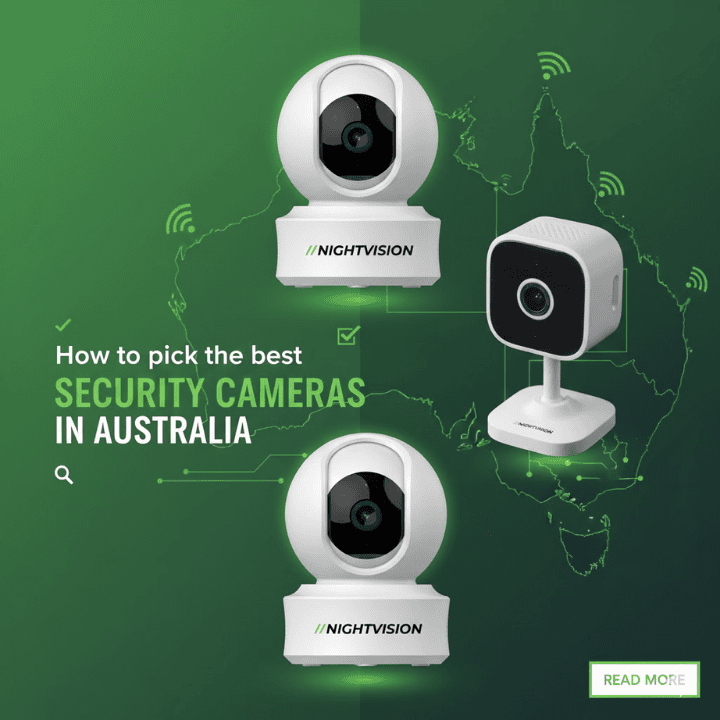
        how to pick the best security cameras in australia

        How to pick the best security cameras in Australia

        In Australia, choosing the right security camera is not just about recording footage. Australia has some of the harshest weather and brutal wildlife ever present around every corner. On top of this, the land down under has a wide range of businesses, each having its own requirements. Therefore, choosing the best CCTV camera requires a bit more thought. You need to consider features such as video quality and reliable night vision top of durability and weather resistance.

        In this guide, we provide you with insights on key aspects you need to consider before picking the best security cameras in Australia. The guide shall be divided into two parts, one focusing on the features and another focusing on the type.

        Key Features to Consider When Choosing a Security Camera

        Choosing the right security camera in Australia often comes down to understanding what features you require. While some of you may focus on the camera quality, for others, this may not be a top priority. So, before choosing the camera, you need to know what you want. Some of the key features that you should consider include:

        Resolution and Image Quality

        Resolution directly affects how clear and usable your footage is. Higher-resolution cameras capture finer details such as facial features, license plates, and clothing, which becomes crucial during incidents. Although 1080p remains a good home security standard, the use of 2K and 4K cameras will provide a clearer picture for larger regions such as driveways and office settings. This will also depend on the sensor size and speed, and even the state of the compression, so it should all work together.

        Field of View & Coverage Area

        The field of vision defines the area that can be recorded by a single camera. The wider the field of vision, the greater the area being recorded and the less the need for multiple cameras. Cameras with narrow angles work well for focused areas like entrances, while wide-angle lenses suit open areas such as yards and parking lots. However, extremely wide views can cause image distortion at the edges. Choosing the right balance ensures optimal coverage without sacrificing image clarity.

        Night Vision and Low-Light Performance

        Since many security incidents occur after dark, night vision is a critical feature. Most cameras use infrared LEDs to capture black-and-white footage in complete darkness. There are new models with colour night vision capabilities using low-light sensors or built-in spotlights. Low light sensitivity is useful for taking quality photographs in low-light locations. One should take into consideration the night vision capability as well as the performance capability when choosing a camera.

        Power Options

        Security cameras are powered in different ways, including battery-powered, mains-powered, and Power over Ethernet (PoE). Battery cameras are easy to install and ideal for renters, but they require regular charging. Mains-powered cameras provide continuous operation but need nearby power outlets. PoE cameras come with power and data transmission over one cable, and these are reliable and fixed. The appropriate power source depends on flexibility and ease of maintenance.

        Connectivity and Remote Access

        Contemporary security cameras require a network for live access and playback. The majority of residential cameras connect to a Wi-Fi network. In contrast, commercial camerasconnect to a wired network for a seamless experience. The capacity to access the network remotely using a mobile application will enable you to view your premises, no matter the location within Australia. It is essential to find a network solution that offers a robust and secure network.

        Storage Options

        Storage determines where and how your footage is saved. Local storage options such as SD cards or network video recorders give you full control without ongoing fees. The cloud storage functionality offers accessibility and backup services at a cost. The existence of other cameras with cloud and storage functions is a strong advantage for this particular brand. In the process of choosing the digital camera to buy, budget compatibility in relation to storage functionality is considered.

        Smart Features

        Smart capabilities enhance the way your security camera responds to events. Capabilities that include two-way talk, live alerts, two-way communication, and person detection allow your security camera to have more accurate alerts.  You can incorporate your security camera with your smart home devices, such as digital assistants. Such features make your security camera more than a footage recorder. It will actively alert you to events that occur as they take place.

        Weatherproofing and Durability (Outdoor Use)

        Outdoor security cameras need to be able to handle Australia’s varying weather, whether it’s heavy rains or scorching hot days. When looking to buy an outdoor security camera, consider purchasing one with a good IP rating, which means it’s resistant to dust and water. This is an essential feature because not only does it result in a longer camera lifespan, but it also guarantees quality image performance and stability regardless of whether it is summer, autumn, winter, or spring.

        Types of Security Cameras

        While selecting the most suitable CCTV security camera for purchase, evaluating its features is only part of what is involved in decision-making. Along with the features, you should also consider the type of cameras you need. There are three main types of cameras. They include:

        Bullet Cameras

        Bullet cameras are easily recognisable by their long, cylindrical shape and are commonly used for outdoor surveillance. Their visible design acts as a strong deterrent, making them effective at discouraging intruders before any incident occurs. These cameras are very useful when it comes to surveillance of driveways, entrances, fences, and open areas. The bullet cameras are known for their long-distance view capability as well as their powerful night vision. The cameras are also very easy to install and configure. Therefore, if you are looking for the best wireless outdoor security camera, you can opt for purchasing bullet cameras that are highly weather-resistant.

        Dome Cameras

        While bullet cameras are ideal for outdoor surveillance, dome cameras are the best indoor security cameras if you optimise your features. Dome cameras

        Dome cameras are small, covert, and ideal for indoor/outdoor use in offices. The domed shape of these cameras ensures that the direction the camera is pointing remains unclear, thus providing an added security feature. Dome cameras can be found in shops, offices, and reception areas. Dome cameras offer tamper-proofing against damage. With wide viewing angles and a clean design, they blend well into professional spaces while still delivering reliable surveillance.

        PTZ Cameras.

        PTZ cameras provide sophisticated control over surveillance systems with features that enable the camera to pan, tilt, and zoom. The cameras are most suited for monitoring large areas such as a warehouse, parking lot, and office set-up. The camera has multiple zone coverage, thereby making it unnecessary to set up multiple cameras. This type of camera comes with features that include preset positions, auto-track, and high optical zoom. So, although PTZ cameras are not highly optimised for either outdoor or indoor surveillance, they are the ideal camera if you need wide area surveillance. Furthermore, if you choose one with high weather resistance and durability, as there are models available with these features, you can make it suitable for outdoor environments. And, since the primary use for PTZ cameras is in large areas such as warehouses, it is a good deterrent and does not need to be concealed as dome cameras.

        As a side note, you should also note that there are both wired and wireless versions for all three types of cameras. So when choosing the best security camera systems in Australia, you should consider these factors as well.

        Best Security Cameras Australia

        Keeping all the aspects we have mentioned into consideration, there are some CCTV cameras that stand out among the rest. These CCTV cameras are affordable, have good features, and high durability. Some of the best security cameras in Australia, along with their prices, are:

        CCTV Netra S8 Camera

        Original price was: $59.95.Current price is: $47.96.
        (0 Reviews)
        Sku:
        • Image Sensor: 1/2.8″ 3 MP CMOS
        • Storage: Supports SD card up to 256 GB
        • Night Vision / IR Range: 8–10 m with 6 pcs 850 nm IR LEDs
        • Connectivity: Wi-Fi support, IEEE 802.11 b/g/n
        • Audio: Two-way audio (built-in mic + speaker)
        • Built-in Siren: Yes
        • Operating Conditions: Temperature −20 °C to 50 °C, Humidity 10 %–95% non-condensing
        • Smart Features: Human body detection, motion tracking, app push notifications, supports Alexa & Google Assistant, privacy mode, picture flip, night mode
        • Lens: 3.6 mm fixed lens
        • Aperture: f/1.6
        • Video Compression: H.265
        • Frame Rate: 20 fps recording
        • Noise Reduction: 3D DNR
        • Protocol Support: ONVIF compatible
        • Power Input: DC 5V 1A
        • Night Mode: Auto day/night switching (Smart Night Mode)

        CCTV Netra V6Z Camera

        Original price was: $129.99.Current price is: $103.99.
        (0 Reviews)
        Sku:
        • Image Sensor: 1/2.8″, 4 MP CMOS
        • Storage: Supports SD card up to 256 GB
        • Night Vision / IR Range: ~8–10 m (with 8 pcs infrared + 12 pcs LED)
        • Connectivity: WiFi, IEEE 802.11 b/g/n
        • Audio: Two-way audio (built-in mic + speaker)
        • Built-in Siren: Yes
        • Operating Conditions: –20 °C to 50 °C; Humidity 10%–95% non-condensing
        • Lens: 4 mm
        • Aperture: f/1.6
        • Video Compression: H.265
        • Frame Rate: 20 fps
        • Noise Reduction: 3D-NR (3D Noise Reduction)
        • Protocol Support: ONVIF
        • Power Input: DC 5V, 1A
        • Night Mode: Yes

        F7-Netra Indoor PT Wi-Fi CCTV Camera

        Original price was: $78.99.Current price is: $63.19.
        (1 Review)
        Sku:
        • Image Sensor: 1/2.8″, 3 MP CMOS
        • Storage: Supports microSD up to 256 GB and cloud
        • Night Vision / IR Range: 10–15 m
        • Connectivity: Wi-Fi, IEEE 802.11 b/g/n
        • Audio: Two-way audio (built-in mic + speaker)
        • Built-in Siren: Yes
        • Operating Conditions: Temperature –20 °C to 50 °C; Humidity 10%–95%, non-condensing
        • Lens: 4 mm
        • Aperture: f/1.6
        • Video Compression: H.265
        • Frame Rate: 20 fps
        • Noise Reduction: 3D-NR (3D Noise Reduction)
        • Protocol Support: ONVIF
        • Power Input: DC 5V, 1A
        • Night Mode: Not supported / NA

        Ratri G11 CCTV Camera

        Original price was: $165.99.Current price is: $132.79.
        (0 Reviews)
        Sku:
        • Image Sensor: 1/2.8″, 4 MP CMOS
        • Storage: SD card up to 256 GB
        • Night Vision / IR Range: ~8–10 m; Infrared: 8 pcs IR + 12 pcs LED
        • Connectivity: wifi (IEEE 802.11 b/g/n)
        • Audio: Two‑way audio (built-in mic + speaker)
        • Built‑in Siren: Yes
        • Operating Conditions: –20 °C to 50 °C; Humidity 10%–95% non‑condensing
        • Lens: 4 mm
        • Aperture: f/1.6
        • Video Compression: H.265
        • Frame Rate: 20 fps
        • Noise Reduction: 3D-NR (3D Noise Reduction)
        • Protocol Support: ONVIF
        • Power Input: DC 5V, 1A
        • Night Mode: Yes

        T5P-Ratri Bullet Outdoor Wi-Fi CCTV Camera

        Original price was: $156.99.Current price is: $125.59.
        (0 Reviews)
        Sku:
        • Image Sensor: 1/2.8” 4 MP CMOS
        • Storage: up to 256 GB via an SD card
        • Night Vision / IR Range: ~8–10 m with 8 pcs infrared + 12 pcs LED
        • Connectivity: WiFi, IEEE 802.11 b/g/n
        • Audio: Two-way audio; built-in mic + speaker
        • Built-in Siren: Yes
        • Operating Conditions: Temperature −20 °C to 50 °C; Humidity 10%–95% non-condensing
        • Lens: 4 mm
        • Aperture: f/1.6
        • Video Compression: H.265
        • Frame Rate: 20 fps
        • Noise Reduction: 3D-NR, or 3D Noise Reduction
        • Supported Protocols: ONVIF
        • Power Input: DC 5 V, 1 A
        • Night Mode: Yes

        Y1-Ratri Dome Indoor Wi-Fi CCTV Camera

        Original price was: $149.99.Current price is: $119.99.
        (0 Reviews)
        Sku:
        • Image Sensor: 1/2.8″, 4 MP CMOS
        • Storage: microSD (up to 256 GB) + cloud
        • Night Vision / IR Range: ~10–15 m
        • Connectivity: Wi-Fi, IEEE 802.11 b/g/n
        • Audio: Two‑way audio (built‑in mic + speaker)
        • Built‑in Siren: Yes
        • Operating Conditions: –20 °C to 50 °C; Humidity 10%–95% (non‑condensing)
        • Lens: 3.6 mm
        • Aperture: f/1.6
        • Video compression: H.265
        • Frame Rate: 20 fps
        • Noise Reduction: 3D‑NR (3D Noise Reduction)
        • Protocol Support: ONVIF
        • Power Input: DC 5V, 1 A

        Conclusion

        Choosing the best security camera is a tough decision. But if you understand your requirements, environment, and long-term expectations well, it can be rather simple. Starting from image and night vision to durability and type of cameras, each aspect contributes to the success of the system you intend to use. You therefore need to ensure you align all the aspects with the type of cameras to find the right mix for developing an effective home or business protection system.

        If you are looking for more such information about CCTV cameras, you are free to explore some of our other blogs. And if you want the best CCTV cameras, do browse our selection of some of the best devices at Night Vision. Thank you for reading till the end.

        FAQs on picking the best security cameras in Australia

        What is the best security camera for outdoor use in Australia?

        The best outdoor security cameras in Australia are those with strong weather resistance, reliable night vision, and durable housing. Bullet cameras are a popular choice because they offer long-range visibility and act as a visible deterrent. Always check the IP rating to ensure the camera can handle rain, dust, and extreme temperatures.

        Are wireless security cameras trusted in Australia?

        Wireless security cameras are also effective if you have a stable internet connection and a strong Wi-Fi network. They are also easy to install, and if you have a home or a small business, these security cameras would be a great installation option if you have difficulty wiring your place.

        Are there any monthly subscription charges for security cameras?

        All security cameras don’t have to be subscription-based. You have options in local storage devices, which offer free recording, while cloud storage is usually subscription-based. Setting up a hybrid system is an option that gives you flexibility without having to spend much in the long run.

        How many security cameras do I need for my property?

        Whether you need a single or multiple cameras for the task depends on the size of the area you need to cover. Focus on the critical areas first when installing the security cameras.


        Best Security cameras without subscription in Australia

        Best Security cameras without subscription in Australia

        Security cameras in Australia are becoming smarter. However, many CCTV cameras now come with ongoing subscription fees. While the installation cost may be low, the monthly cost can quickly add up. Because of this, subscription-free security cameras are becoming a popular choice for homes and small businesses. These cameras use local storage such as SD cards while still offering clear video, strong night vision, smart motion alerts, and mobile app access without paying extra. Naturally, there are the best cameras within this category.

        In this blog, we cover some of the best security cameras without subscription in Australia. In addition to this, we also cover aspects such as their key features and some common myths associated with these CCTV cameras.

        Key Features to look for in Subscription-free Security cameras

        Best Security cameras without subscription in Australia

        Although you do not have to pay for a subscription, the cameras within this category are packed with features. These features range from simple ones, such as the addition of local storage, to advanced ones, such as motion detection and smart alerts. The key features that you can find in subscription-free security cameras include:

        Local storage options (SD card)

        Subscription-free security cameras rely heavily on local storage, usually through an SD card. This allows footage to be stored directly on the camera without paying for cloud services. Always look for cameras with models capable of handling larger capacity SD cards, easy playback capabilities using an app, and an overwrite function to ensure continuous recording once storage capacity has been attained.

        Video quality and night vision capability

        A clear video is necessary for face recognition, number plates, and activity tracking. The cameras with resolution capabilities of full HD, 2K, or better ensure clearer video, while a wider dynamic range ensures efficient handling of bright lights and shadows. In night surveillance with infrared and colour night vision capabilities with integral spotlights, adequate night vision is ensured.

        Motion detection and Smart Alerting

        Effective motion detection enables you to stay updated without receiving repetitive alerts of false detections. Today, there are many subscription-free cameras with the ability to adjust the level of sensitivity, activity zones for zones of interest, or basic human/vehicle detections with the use of artificial intelligence, without the cost of a subscription.

        Mobile app access without recurring charges

        A good mobile app should provide you seamless access to live viewing, recording, playback, and camera settings without paying a subscription fee for locked functionalities. By doing so, you can be able to check on your property from a distance without paying anything.

        Weather resistance for Australian conditions

        Outdoor cameras must be built to handle Australia’s harsh climate. On the other hand, look for weather-resistant designs, which can protect against hot temperatures, heavy rain, dust, and humid environments. The device will therefore continue to work properly irrespective of whether you set it up at home or at a business premise.

        Best Security Cameras Without Subscription in Australia (2026)

        Fz netra cctv camera in Australia cctv without subscription

        All these functionalities, when put together, make some of the best security cameras available today. The question here is –  what are some of the best security cameras without subscription in Australia 2026? Some of the best ones include:

        Ratri G11 CCTV Camera

        The Ratri G11 CCTV camera from NightVision is a trustworthy subscription-free CCTV camera that is safe to use for the long term. Only one installation fee is required, after which you can enjoy all the features without any subscription fee; thus, it is very cost-effective for the citizens of Australia. It comes equipped with a sharp Quad HD 4MP camera that provides clear footage day as well as night. Built-in motion detection, advanced sensors, strong night vision, and remote access through a mobile app ensure dependable monitoring. The inclusion of free cloud storage adds extra convenience, especially for users who want easy access to recordings without monthly costs. This camera is well-suited for monitoring entry points, garages, and residential properties across Australia.

        CCTV Netra V6Z Camera

        NightVision’s CCTV Netra V6Z camera is built for enhanced security and advanced surveillance needs. It offers both local storage solutions as well as cloud storage solutions without any subscription fees. The camera features a distinct lens of 4MP resolution. The lens of the Netra V6Z also contains 8 infrared LEDS, along with 12 LEDS. The motion detection, human detection, and Amazon Alexa integration of the Netra V6Z make it an ideal security solution for Australian homes. Features such as voice notifications through the app, remote access, siren functionality, and voice control make it more desirable.

        T5P-Ratri Bullet Outdoor Wi-Fi CCTV Camera

        T5P-Ratri Bullet Outdoor Wi-Fi CCTV Camera from NightVision is designed for use as an outdoor CCTV camera with no subscription charges. Besides having Wi-Fi functionality for simple plug-and-play installation, it is equipped with sophisticated security features such as AI motion tracking and human detection, privacy controls, as well as notifications via a smartphone app. It is intended for use in harsh environments found in the Australian outdoors; it is quite effective for driveway surveillance, garden surveillance, front shop protection, and boundary protection and as such, it is among the best outdoor security camera without subscription.

        Y1-Ratri Dome Indoor Wi-Fi CCTV Camera

        In terms of enhanced indoor surveillance capabilities that emphasise clarity and range, the Y1-Ratri Dome Indoor CCTV Camera Wi-Fi offers top-of-the-line indoor surveillance capabilities that emphasise clarity and range. This comes with an integrated 4MP camera that boasts a frame rate of 20 fps and incorporates a sensor that measures 1/2.8” CMOS. The wide 180-degree pan angle provides excellent room coverage, while 8 infrared lights and 12 LED lights support clear night vision at distances of up to 8–10 metres. This camera supports both cloud and SD card storage of up to 256 GB without subscription fees. With Alexa and Google Assistant integration, push notifications, and privacy mode, it is well-suited for Australian homes, apartments, and small offices. Due to all of these reasons this camera is one of the best indoor security cameras for Australia.

        F7-Netra Indoor PT Wi-Fi CCTV Camera

        The F7-Netra Indoor PT Wi-Fi CCTV camera is a budget-friendly and feature-loaded indoor security camera offered by NightVision. It provides a high-quality image with a resolution of 2560 × 1440 pixels and a 3MP CMOS image sensor. The camera is also equipped with a pan and tilt feature that provides a sweep of 355° in pan mode and a tilt of 75°, which is almost a complete sweep of a room in indoor installations. The camera also has storage capacities in both cloud and SD card, with a capacity of up to 256GB.

        CCTV Netra S8 Camera

        The CCTV Netra S8 Camera from NightVision is a no-nonsense, effective indoor Wi-Fi surveillance camera designed for reliable and subscription-free surveillance. The Netra S8 sports a crystal-clear 3MP CMOS image sensor for clear image quality in regular and nighttime conditions. The presence of night vision functionality ensures continuous surveillance of your home or office at night. The Netra S8 Camera comes with the facility for external storage of up to 256 GB with cloud storage capabilities. The presence of AI-based people detection, alert notifications for motion, two-way audio transmission capabilities, alert push notifications, and a privacy mode function make the Netra S8 a useful addition for any home or office in Australia.

        Common Myths About No-Subscription Security Cameras

        Netra S8 Smart WiFi Security Camera camera without subscirption

        The no-subscription model is a relatively unconventional purchasing approach, and it seems a bit too good to be true. Because of this, there are many myths surrounding products associated with this payment approach. The same effect extends to security cameras as well, and there are many myths about no-subscription security cameras. Some of the most common myths include:

        No subscription means fewer features.

        Many people assume that avoiding monthly fees means missing out on smart features. In reality, modern subscription-free cameras often come with motion detection, night vision, AI alerts, two-way audio, and mobile app access – which is just about everything you need for a reliable security system and features that you can get in the subscription model of payment.

        Local storage is unsafe

        There are many who believe that storing footage locally on an SD card puts the data at risk. This is not true, as in reality, local storage keeps your recording private and secure without relying on external servers or cloud services. This practically eliminates the risk of hacking, and the only way you can damage the footage is by tampering with the software or the storage device, which, given where they are placed, is hard to do.

        Free apps are unreliable

        Another common myth is that free camera apps are basic or unstable. Most subscription-free cameras now come with fully functional apps, offering live viewing, playback, alerts, and easy management, all without monthly charges. Additionally, you do have to remember that a vast majority of reliable apps you use via the Apple Store or Google Play Store are also free. So you should not think that just because a security camera app is free, it is unreliable.

        Conclusion

        Subscription-free security cameras are a practical and cost-effective choice for Australian homes and businesses. These cameras combine local storage, smart features, and remote accessibility without making you pay for a subscription each month. The best part – there are cameras for both indoor and outdoor settings, ideal for offices and businesses in both urban areas and outback.

        Now, if you want the best CCTV camera  without subscription, look no further than Night Vision – the best CCTV camera in Australia. And if you want to know more about CCTV cameras in general, why don’t you check out some of our blogs?

        FAQs about the  Best Security Cameras without subscription in Australia

        Are subscription-free security cameras the same as subscription-based security cameras?

        Yes, the latest subscription-free cameras allow motion detection, night vision, AI alerts, two-way audio, and mobile app control. This is the same functionality that the other subscription-based cameras provide. It is now possible to enjoy advanced home security without the need to subscribe.

        Do I have the option of accessing my footage remotely without having to pay monthly subscription charges?

        Yes, subscription-free cameras also feature remote viewing and playback capability with free smartphone apps. You may easily monitor your premises at all times with your smartphone or tablet devices.

        Is local storage a safe way for me to store security footage?

        The advantage of local recording with an SD card/NVR is that your videos are secure and not accessible to anyone. In contrast to cloud recording, local recording is not prone to hacking. If your device is secure, your videos are secure too.

        Are subscription-free cameras appropriate for outdoor usage in Australian conditions?

        Well, yes. Quite a number of the subscription-free cameras will be able to withstand the harsh weather conditions experienced in Australia. These will include the weather-proofing capabilities and the ability to withstand dust.


        How to connect a night vision CCTV camera to a mobile app

        How to connect a night vision CCTV camera to a mobile app?

        Night vision CCTV cameras play an important role in home and business security across Australia, especially for monitoring properties after dark. You not only have to be safe from human intruders, but in the outback, you also need to be wary of the wildlife. When connected to the mobile app, these night vision cameras allow you to check live footage, receive motion alerts, and manage camera settings directly from the smartphone. But to do this, you need to know how to connect a night vision CCTV camera to a mobile app. For many users, setting up CCTV cameras with mobile apps can be confusing. This is exactly what we are here to clarify.

        In this guide, we explain how you can connect a Night Vision CCTV camera to a mobile app step-by-step. We cover aspects such as downloading the correct app, connecting the camera to Wi-Fi or router, configuring the right settings, and more.

        How to connect a night vision cctv camera to a mobile app?

        Step to connect CCTV to mobile app Night vision CCTV cameras play an important role in home and business security across Australia, especially for monitoring properties after dark. You not only have to be safe from human intruders, but in the outback, you also need to be wary of the wildlife. When connected to the mobile app, these night vision cameras allow you to check live footage, receive motion alerts, and manage camera settings directly from the smartphone. But to do this, you need to know how to connect a night vision CCTV camera to a mobile app. For many users, setting up CCTV cameras with mobile apps can be confusing. This is exactly what we are here to clarify.

        Connecting a night vision CCTV camera to a mobile app usually takes only a few minutes when each step is followed correctly. While the exact screens may differ slightly depending on the brand, the overall process remains the same for most cameras used in Australian homes and businesses. Following is a guide on How to connect a night vision cctv camera to a mobile app.

        Download the Correct Mobile App

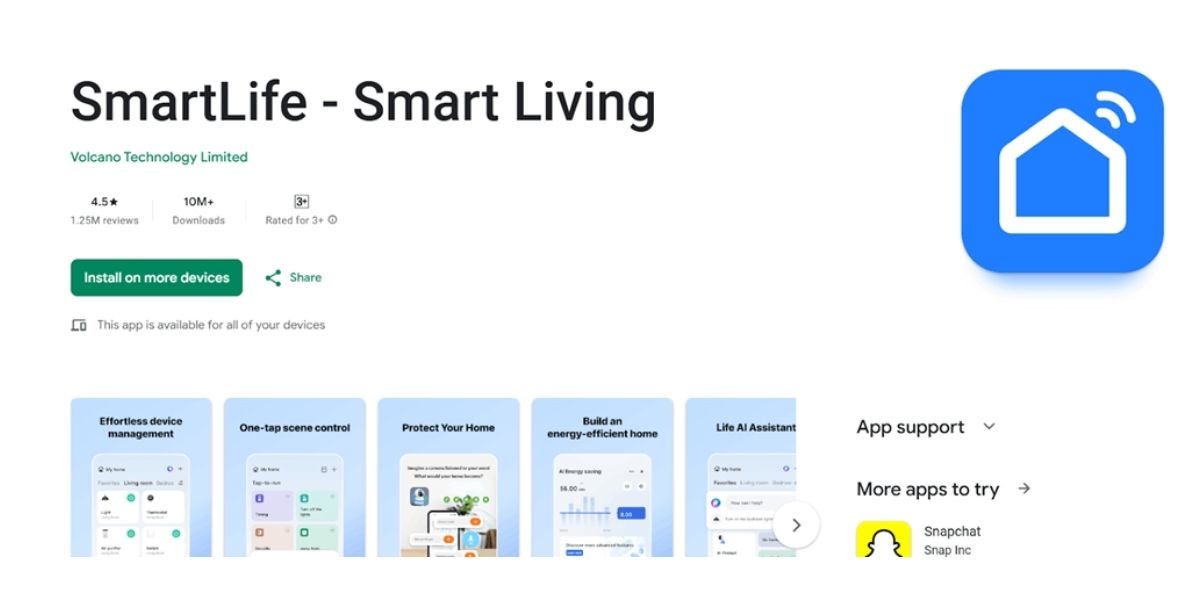
        Night Vision CCTV comes with its own remote viewing app. To download the app, you can visit the Apple App Store or Google Play Store and search for “Smart Life-Smart Living”. Ensure that the name of the app is exactly as we have stated before in order to avoid downloading an incorrect app.

        Power and Connect the Camera

        The installation of the application is followed by powering up and connecting the camera. Plug the camera into a power source with the help of the adapter that came with the camera. In the case of outdoor camera installations, the power connection should be secured in a manner that is environmentally sealed so as to conform to local power supply safety standards.

        Connecting to Wi-Fi or a router

        You can connect the camera, depending on what it is, either to your Wi-Fi connection or via an Ethernet cable to your router. Most wireless cameras need a steady 2.4 GHz Wi-Fi connection, which is usually provided by Australian home routers.

        Indicator Light

        Our cameras come with LED lights to indicate connection status. The blinking of an LED light is an indication that the camera is ready to be connected, while a steady light indicates a successful connection. Refer to the user manual for the exact light behaviour, as this can vary by brand. Add the Camera to the App

        After powering the camera, open the mobile app to add the device.

        Creating or logging into an account

        Our CCTV app requires you to create an account using an email address. If you already have an account, you simply need to sign in. Manually adding the device or scanning via a QR code.

        In the app, choose the option for adding a new device. Some camera models enable you to scan a QR code shown on the camera or its packaging, whereas in other models, you have to manually key in the device ID.

        Entering Wi-Fi passwords

        Type in your Wi-Fi SSID and passcode when asked. Please make sure that the phone is close to the camera during the process. The camera should now be online when viewed within the app.

        Configuring Night Vision Settings

        With the camera properly connected, one needs to configure the night vision settings. Get access to the camera settings on the app and turn on the infrared night vision or smart night mode. The smart night mode feature allows the device to switch from colour mode to infrared mode depending on the lighting conditions.

        Sensitivity

        You can change motion sensitivity, IR intensity, and brightness to adapt to your environment. This will allow you to eliminate false alarms produced by insects, cars, and changing lighting conditions.

        Common Problems and How to Fix Them

        Comon problem while connecting mobile app t o cctv

        Even with the proper setup of Night Vision CCTV cameras, sometimes CCTV cameras can experience connection or performance issues. Despite this, most of these issues are relatively simple to resolve using only a few checks. Some of the most prevalent issues and their resolutions include the following:

        Camera Not Going Online

         If the camera is also showing as offline within the mobile application, begin by looking at the connectivity to the power source. Verify the camera is properly connected to the wall plug and that the plug is functioning. Next, reset both the camera and your internet modem, as sometimes network connectivity can cause both the modem and cameras to become offline. Then, make sure your internet is on and functioning properly. Most likely, your cameras connect to 2.4 GHz networks. To check if this is the case, see if the camera is connecting to the 5 GHz network instead of the 2.4 GHz network. Restart the camera and reconnect it through the app if the above issue has been fixed.

        App Not Detecting the Camera

        If the app has problems finding the camera during setup, make sure that the camera is in pairing or setup mode. This is normally denoted by the light flashing. If the light is not flashing, the camera will need to be reset.

        Also, ensure that you are using the right mobile application as advised by the manufacturer. Your phone should remain near the camera when preparing the setup, and the mobile data should be turned off to ensure that the application uses Wi-Fi.

        Night Vision Not Turning On

        If the night vision feature will not turn on, check using the app that IR Night Vision or Smart Night Vision is turned on for the camera. It may occasionally revert to a Manual mode instead of being an Auto mode.

        It is also advisable not to fix reflective surfaces, such as walls or glass, near the camera lens, as this could affect the infrared rays. Testing the device in low-light conditions will ensure that the night vision functionality is functioning properly.

        Slow or Lagging Video Feed

        In most cases, poor bandwidth is the reason for delay or slow motion on video. Checking the internet speed and limiting the devices connected to the network might help. Moving the camera near the router and using a wired connection might provide improvements. In-app video resolution or frame rate may be lowered to reduce lag, especially for remote viewing. Periodic firmware updates of the camera and the mobile app contribute a lot to stable performance.

        Conclusion

        Connecting a Night Vision CCTV camera to a mobile app is easy, provided one follows the steps in the right order. Beginning with the installation of the appropriate app and linking the camera to adjusting night vision settings, an effective configuration guarantees dependable surveillance during both day and night. So for homes and businesses in Australia, especially with regard to areas that have low light, remote locations, and critical activity of wildlife, having access to CCTV cameras remotely adds an extra layer of security. Once connected, your camera allows you to stay informed, respond quickly to alerts, and monitor your property from anywhere using your smartphone.

        As one of the best CCTV cameras in Australia, Night Vision provides you with some of the best night vision cameras with a robust build and a seamless app. This ensures that you can stay connected with your surveillance system regardless of where you are. If you seek further information regarding CCTV cameras, you can also check out some of our other blogs as well. Thank you for reading till the end.

        FAQs on Connecting CCTV Cameras to Night Vision App.

        Can I connect a night vision CCTV camera to my mobile phone without the internet?

        You can view live footage locally without the internet if your camera and phone are connected to the same Wi-Fi network. However, to access the camera remotely, receive alerts, and view recordings when you are away from the property, an active internet connection is required.

        Does a night vision CCTV camera work on both Android and iOS?

        True, most night vision models from a CCTV camera manufacturer will be compatible with both Android and iOS systems via their respective mobile applications. You would only need to download the right app from either the Google Play Store or the Apple App Store, based on the brand of your camera model.

        Why is a 2.4 GHz Wi-Fi connection necessary in my camcorder when 5 GHz is available?

        Most CCTV cameras are optimised to work on the 2.4 GHz Wi-Fi frequency, as range and connectivity are much better. Most domestic Wi-Fi routers in Australian homes are dual-band and work at 2.4 GHz and 5 GHz. The Wi-Fi camera needs to be connected to the 2.4 GHz network.

        Can multiple smartphones connect to a single night vision CCTV camera?

        Indeed, yes, most CCTV apps allow more than one user to view the same camera. It is made easier to do so through the application’s sharing or device management features, so you can grant access to your family members or employees.


        Best security camera with two-way

        Best security camera with two-way audio

        In 2026, keeping your home or business secure is more than just monitoring video footage. In modern times, security cameras now come with two-way audio as well. This feature allows you to see what’s happening and communicate with the person on the other side of the camera in real time. The two-way audio feature adds an additional layer of convenience and peace of mind when installed. But there are multiple two-way audio cameras out there, so which is the best one?

        In this guide, we provide you with a brief introduction to some of the best two-way audio security cameras. In addition to this, we shall also provide you with information on its features and benefits as well.

        What Is a Two-Way Audio Security Camera?

        Fz netra cctv camera in Australia with two away audio

        Let’s begin our guide with an introduction to the two-way audio security camera. This form of security camera is a device that captures footage and allows you to communicate via audio between you and anyone near the camera. Unlike standard cameras, which only capture footage, these cameras have a built-in microphone and a speaker, allowing you to listen and speak directly through the connected app and device.

        This feature is useful in a wide range of scenarios. For example, you can bid farewell to friends and relatives at your entrance if you are away. Moreover, you can instruct the deliveryman and warn burglars without your physical presence. In short, a two-way audio camera makes your security system a dynamic tool since it not only allows surveillance but also control of your surroundings as well.

        Key Features to Look for in a Security Camera

        When selecting a two-way audio security camera, of course, you can enjoy the functionality of having two-way audio.  But besides this, there are other features that are important to consider. Some of these key features to look for in a security camera include:

        Audio Quality

        Two‑way audio is only as good as the sound you can actually hear and transmit. Look for cameras with high‑quality microphones and speakers that support noise cancellation and echo reduction. Clear audio lets you communicate easily with visitors, delivery people, or anyone on your property without misunderstanding or scratchy sound, even in noisier environments.

        Video Resolution

        When looking for the best security camera with two-way audio, it is also important to consider the video resolution as well. Video clarity is important in recognising faces, packages, automobiles, and more. In 2026, some of the best security cameras will be primarily FHD or 2K with better sensors. Quality climbs with more pixels or artificial intelligence-enhanced video clarity, ensuring you get good footage at any time of day.

        Connectivity Options

        Secondly, apart from constraining video resolution, another factor you should consider when choosing nanny cameras is connectivity to your network. Wi-Fi is preferred when you want to install wirelessly, while others prefer Ethernet or Power over Ethernet(PoE). This is ideal if you seek interference-free performance. Some models can support hybrids, too.

        Storage Options

        Where your footage is stored can impact accessibility as well as expenses. Local storage helps you store your files without having to use the internet, while cloud storage helps you access your recordings anywhere and even backs them up automatically. Local storage helps you save money and time, as well as helps you access the video even if you are not connected to the internet, while cloud storage helps you store more footage.

        Durability and Weather Resistance

        Durability and weather resistance are essential things to consider when you purchase a two-way audio CCTV camera. This is especially the case if the camera is placed outdoors or directly at the door, which is where two-way audio CCTV cameras are usually placed. Look for weatherproof and tamper‑resistant models with an IP65 rating or higher. These can withstand rain, dust, high winds, and temperature swings while continuing to function reliably. Solid build quality also reduces the risk of damage or interference.

        Top Security Cameras With Two-Way Audio

        When it comes to security cameras with two-way audio, there are many options you have out there. But among this wide range of CCTV cameras out there, there are a few that stand out above the rest. Some of these cameras include:

        Ratri G11 CCTV Camera

        The Ratri G11 CCTV camera from NightVision provides dependable security with built-in two-way audio for real-time communication. The Quad HD 4MP camera captures clear footage both day and night, while advanced motion detection, strong night vision, and sensitive sensors ensure consistent monitoring. With the mobile app, the user can live-stream images, communicate with the camera using their voice, or get live alerts. Including cloud storage capabilities, the Ratri G11 is ideal for protecting entry points, garages, or homes in Australia.

        CCTV Netra V6Z Camera

        The NightVision-made CCTV Netra V6Z camera comes with the capability to provide an improved surveillance experience through its enhanced two-way audio system. The user can listen and speak through this system using a remote app available on a smartphone. The individual can use this system to connect with a visitor or even scare a possible burglar away. With a 4MP lens capable of providing excellent video with infrared and LED illumination, this camera can effectively provide clear video round-the-clock. Additionally, its motion detection, human detection, Alexa compatibility, voice alerts via application access, siren control, as well as versatile storage capacity, make the Netra V6Z an intelligent and interactive security system for residential purposes within Australia.

        T5P-Ratri Bullet Outdoor Wi-Fi CCTV Camera

        The T5P-Ratri Bullet Outdoor Wi-Fi CCTV Camera combines durable outdoor performance with responsive two-way audio communication. Designed for Australian outdoor conditions, it enables users to speak directly through the camera via a smartphone app, helping to warn intruders or communicate with people near the property. AI motion tracking, human detection, privacy controls, and real-time notifications enhance security. Its robust design makes it ideal for driveways, gardens, shop fronts, and boundary surveillance.

        Y1-Ratri Dome Indoor Wi-Fi CCTV Camera

        This Y1-Ratri Dome Indoor Wi-Fi CCTV Camera provides high-quality indoor surveillance with effortless two-way communication. Its 4MP camera with a frame rate of 20 fps and a CMOS sensor of 1/2.8 inches provides clear visuals with a considerable pan angle of 180°. Two-way communication enables users to speak with members of their families, guests, or even pets remotely via the app. It also boasts excellent night vision capabilities and cloud storage support, besides privacy mode, which makes this camera ideal for use in Australia’s residential and business environments.F7-Netra Indoor PT Wi-Fi CCTV Camera

        F7-Netra Indoor PT Wi-Fi CCTV Camera

        F7-Netra Indoor PT Wi-Fi CCTV Camera is a highly loaded indoor camera that supports two-way audio communication. With the mobile app, one can control the camera to tilt, pan, or even chat with the person on the other side of the camera. It has a 3MP CMOS sensor with a 2560 × 1440 resolution, coupled with a wide coverage range through 355° pans and 75° tilt. Cloud as well as SD card support make it quite flexible for various applications related to indoor surveillance.

        CCTV Netra S8 Camera

        The CCTV Netra S8 Camera offered by NightVision is a reliable home surveillance camera for home and office use. It comes with the facility of two-way audio. The two-way audio feature allows the user to talk and listen while interacting with the home surveillance camera. The high-quality 3MP CMOS sensor allows for the best video quality when taking footage during the day and night with the aid of night vision technology. Alert features such as AI-powered people detection, alerts, push notifications, privacy protection, and storage ensure this is the perfect indoor camera for Australians.

        Conclusion

        By 2026, security cameras will be more than mere observation instruments; these are devices that give us a sense of ease and comfort when it comes to securing our property, even when we are away from our homes. The two-way audio security camera ensures that communication occurs in real time, giving you control irrespective of where you are. In addition to the core feature, there are a few other features that you should look out for, such as the camera resolution and weather resilience.

        If you want the best wireless security camera with two-way audio, then look no further than Night Vision – the best CCTV camera in Australia. And if you want to know more about CCTV cameras in general, do check out some of our other blogs.

        FAQs on Security Camera with Two-Way Audio

        How does two-way audio work in a security camera?

        Two-way audio works through a built-in microphone and speaker inside the camera. When connected to a mobile app, it allows you to hear sounds near the camera and speak back in real time. This makes communication possible from anywhere with an internet connection.

        Are two-way audio security cameras suitable for outdoor use?

        Well, yes. In most cases, two-way audio-enabled cameras come with the ability to be used outdoors. Provided the camera has the necessary waterproofing capabilities and effective noise filtration systems in place, the audio transmission will not be compromised even when used outdoors.

        Can multiple users share two-way audio communication at the same time?

        Most modern security camera systems come with an ability to allow access to the camera via a shared application for several individuals. However, only one individual can make use of the two-way audio system at any given instance. Still, they can view live video streaming.

        Is two-way audio safe and secure to use?

        Two-way audio cameras use encrypted connections to protect communication and video data. When paired with strong passwords and updated firmware, they offer a secure way to communicate remotely. Using official apps and trusted networks further reduces security risks.


        Back to Top
        Product has been added to your cart
        Compare (0)